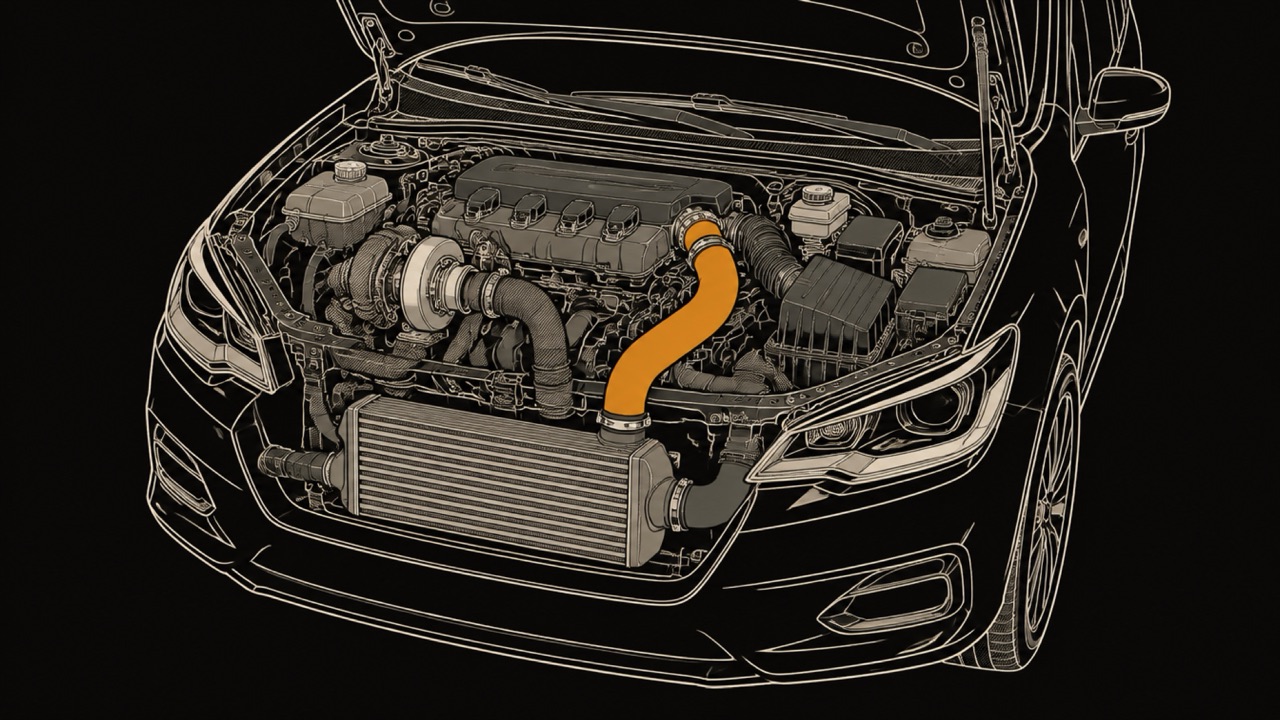
CarPlay
CarPlay gauges: live OBD2 data on your car screen
How to see live OBD2 readings such as RPM, boost and coolant temperature on CarPlay, why most apps show a list, which apps draw gauges, and which adapters work with iPhone.
App comparison
Choose IE POWERlink, Integrated Engineering's tuning app, if you run an iE tune: with LIVE adjustable features and a POWERlink V4 cable ($184.99 on October 27, 2026), it customizes gauges, reads codes and changes tune settings on CarPlay on the VW and Audi platforms IE supports. Choose WrenchTime for live engine gauges on CarPlay on any car, tuned or not with an OBD-II adapter and WrenchTime Pro; it does not tune. OBD Fusion lists readings on CarPlay as text, and Car Scanner keeps its gauges on the phone.
I build WrenchTime, so read this comparison knowing that. Integrated Engineering, iE and POWERlink are trademarks of their owner. Volkswagen, Audi, Porsche, Apple, CarPlay, Siri, OBDLink, OBD Fusion and Car Scanner ELM OBD2 are trademarks of their respective owners. This comparison is independent: WrenchTime is not affiliated with, sponsored by or endorsed by Integrated Engineering or any of them.
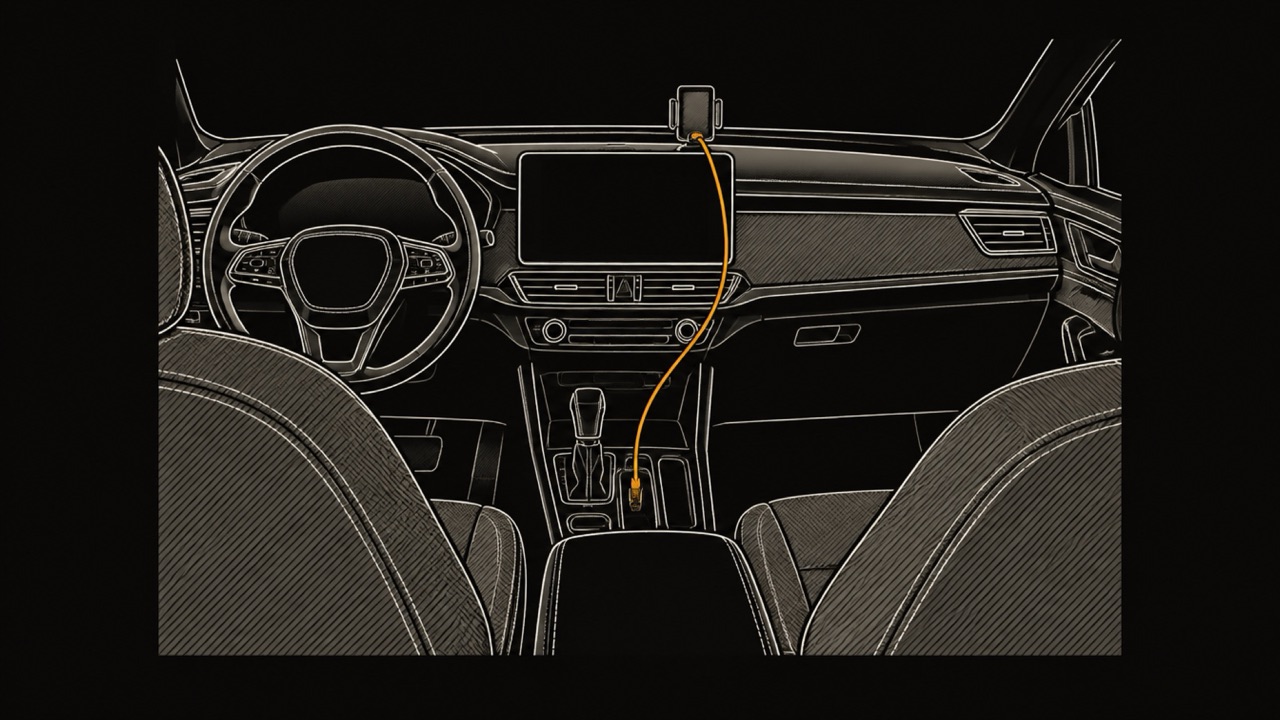
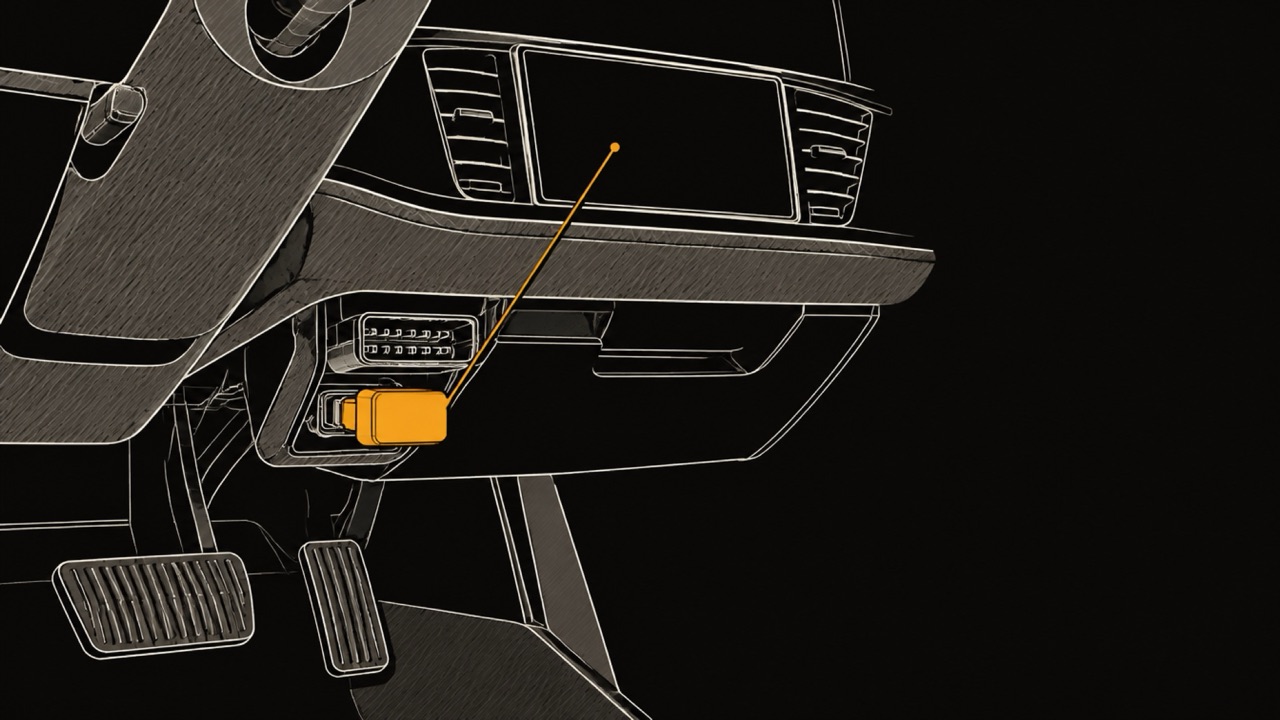
Yes. IE POWERlink is Integrated Engineering's tuning tool: the POWERlink V4 cable plugs into the car's OBD-II port and pairs over Bluetooth with the POWERlink app on an Apple or Android phone, or connects to a Windows laptop running IE's Flash Wizard software. IE's POWERlink Mobile page, checked on October 22, 2026, says the cable and app let you tune the car, change octanes, upgrade stages, read and clear codes, check emissions monitors, watch live gauges and record datalogs.
On the US App Store the app is called POWERlink Suite: free, published by Integrated Engineering, for iPhone and iPad on iOS 17.0 or later, rated 4.8 from 1.6K ratings, with a privacy label that reads Data Not Collected, all checked on October 22, 2026. The listing states that it requires a POWERlink V4 dongle and tuning software from iE or Xodus.
IE's POWERlink V4 product page lists the cable at $184.99, checked on October 22, 2026, and says "Tuner only. Tunes sold separately." One cable can flash up to five vehicle VINs. The mobile app does not work with the older V3 cable, and IE offers a $50 refund on a V4 when a V3 is returned. Some older VW and Audi 2.0T and 2.5L cars are tuned from the laptop instead of the app.
Which cars POWERlink can flash from a phone is on IE's mobile flashing compatibility guide, summarized below. IE says other platforms are available through the Windows laptop and Flash Wizard.
| Make | Generation | Models | Engine |
|---|---|---|---|
| Audi | C8 | RS6, RS7, S8, SQ7, SQ8, RSQ8 | 4.0T |
| Audi | C7 and C7.5 | S6, S7, A6, A7 | 4.0T, 3.0T, 2.0T |
| Audi | B9 and B9.5 | RS4, RS5, S4, S5, A4, A5, SQ5, Q5 | 2.9T, 3.0T, 2.0T |
| Audi | B8 and B8.5 | S4, S5, A4, A5, SQ5, Q5 | 3.0T, 2.0T |
| Audi | 8V and 8V.5 (MQB) | A3, S3 | 2.0T, 1.8T |
| Audi | 8V | RS3, TTRS | 2.5T |
| Audi | F3 | Q3 | 2.0T |
| VW | MK7 and MK7.5 (MQB) | Golf R, GTI, GLI, Alltrack | 2.0T, 1.8T |
| VW | MQB | Atlas | 2.0T |
| Porsche | 9Y | Cayenne Turbo, Cayenne GTS | 4.0T V8 |
Source: Integrated Engineering, mobile flashing compatibility guide. Older VW and Audi 2.0T and 2.5L platforms that the app does not cover are tuned from a Windows laptop, per the POWERlink V4 page.
Integrated Engineering's CarPlay app puts the POWERlink app on the car's screen. IE announced it with its Full Throttle, Fall 2026 release, and the retailer UroTuning reported it on October 21, 2026. IE's Full Throttle page, checked on October 22, 2026, describes it as "New for every tune with adjustable features": the LIVE adjustable features IE launched in April for the phone can now be changed on the CarPlay screen, or by asking Siri.
The POWERlink Suite release notes for version 4.0.0, published October 21, 2026, describe a CarPlay app that reads and erases codes, checks readiness monitors, controls adjustable features, shows live gauges and logs data, plus CarPlay widgets that change Tune Adjustments from the head unit. IE notes that the widgets work on "Touchscreen units only" and are "Not compatible with Audi MMI". The features IE lists, checked on October 22, 2026:
IE's CarPlay tune controls follow its tunes with LIVE adjustable features: the Full Throttle page, checked on October 22, 2026, presents CarPlay as "New for every tune with adjustable features", the LIVE adjustable features IE launched in April for the phone. The same page tags CarPlay on three platform groups, listed below: the Audi S4 and its sibling models with the 3.0T and 2.9T engines, the MK7 Golf GTI, GLI and Golf R with the Audi S3, and the MK8 Golf GTI and Golf R with the Audi S3.
IE's Full Throttle page and its MK7 page, both checked on October 22, 2026, tell owners already running adjustable features: "You already have this. Just update the POWERlink app." The mobile flashing list in the previous section is a different list: it says which cars the app can flash, not which tunes have CarPlay controls.
| Platform | Years | Models | What IE lists as new |
|---|---|---|---|
| B9, 3.0T and 2.9T | 2017-2024 | Audi S4, S5, SQ5, RS5 | New tune, LIVE features, CarPlay |
| MK7 and 8V | 2015-2021 | VW GTI, GLI, Golf R, Audi S3 | TrueShift paddles, CarPlay |
| MK8 and 8Y | 2022 and later | VW GTI, Golf R, Audi S3 | CarPlay, lowering springs |
The table compares the two on what each maker states, with IE's side checked on October 22, 2026 against its Full Throttle page, the POWERlink V4 page and the POWERlink Suite App Store listing. "Not listed" means those IE pages do not mention the feature, not that it is confirmed to be missing. Which adapters WrenchTime works with is on the OBD-II adapters for iPhone page.
| Feature | IE POWERlink | WrenchTime |
|---|---|---|
| What it is | Tuning tool: flash cable plus app | OBD-II live-data and car-log app |
| Hardware | POWERlink V4 cable, $184.99 on IE's site; V3 cables not supported by the app | Bluetooth LE ELM327 adapter or OBDLink MX+, bought separately |
| Cars | Platforms IE supports, VW, Audi and Porsche among them; CarPlay tune controls on iE tunes with adjustable features | Any car or motorcycle that answers standard OBD-II |
| Needs a tune | Yes, for the adjustable features | No |
| Change tune settings | Yes, LIVE adjustable features from the phone, CarPlay or Siri | No |
| Flash an ECU or TCU tune | Yes | No |
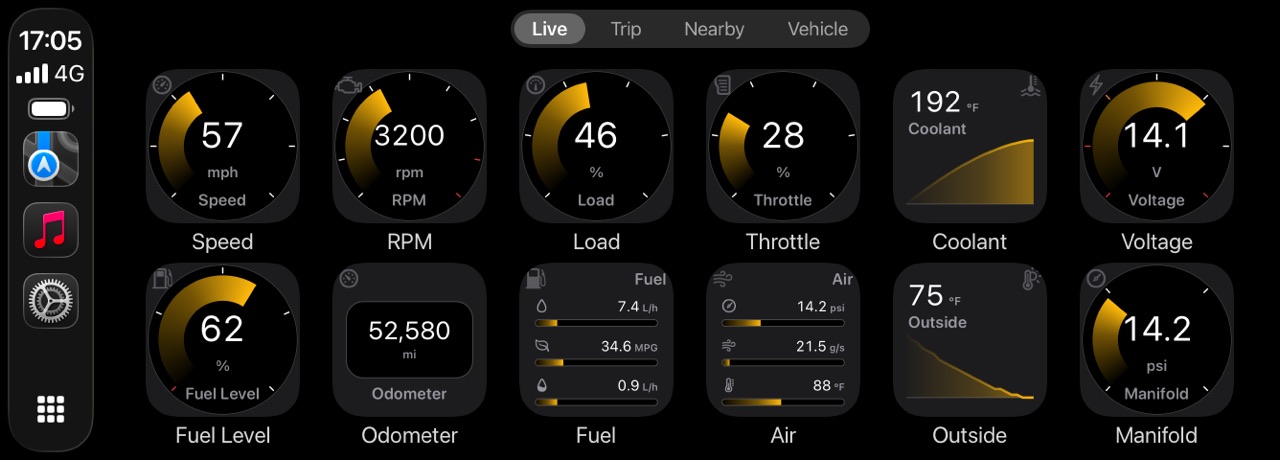
| Gauges on CarPlay | Yes, customizable, with widgets as a performance dashboard | Yes, a grid of ring, graph or number tiles per vehicle, with caution and critical bands and a critical alert (Pro) |
| Trouble codes | Read and erase codes and check readiness monitors on CarPlay and on the phone | Read on the phone in Vehicle Tools, with readiness monitors and freeze frame (Pro); CarPlay tabs are Live, Trip, Nearby and Vehicle |
| Siri | Change tune settings by voice | Start and stop a trip by voice |
| Data logging | Datalogs, shareable with IE support | Every reading recorded with each trip, one sample per second |
| Maintenance, fuel and trips | Not listed | Maintenance schedule, fuel and EV charging log, automatic trips |
| Platforms | iPhone, iPad, Android, Windows laptop | iPhone, iPad, Apple Watch (Pro) |
| Design and iPhone integration | Not listed | Native SwiftUI for iOS 26 with Liquid Glass; a trip Live Activity on the Lock Screen, in the Dynamic Island and on the CarPlay Dashboard; 9 widgets, some with Pro; 30 accent themes (Pro) |
| App price | Free app; cable and tunes sold separately | Free; WrenchTime Pro monthly, yearly or lifetime |
| App Store privacy label | Data Not Collected | Data Not Collected |
Sources: Integrated Engineering, Full Throttle Fall 2026, POWERlink V4, POWERlink Mobile; POWERlink Suite on the App Store; WrenchTime's own documentation and App Store listing.
Of the apps on this page, WrenchTime is the one whose CarPlay gauges work on any car that answers standard OBD-II, with no tune and no proprietary cable. POWERlink's listing requires its V4 dongle and an iE or Xodus tune, OBD Fusion's CarPlay screen is a list, and Car Scanner's page does not mention CarPlay (checked October 27, 2026).
It is also the one with a CarPlay tab of fuel stations or chargers nearby, and the one that keeps a maintenance, fuel and trip log. POWERlink's Garage holds tuning datalogs, and the other two pages mention neither.
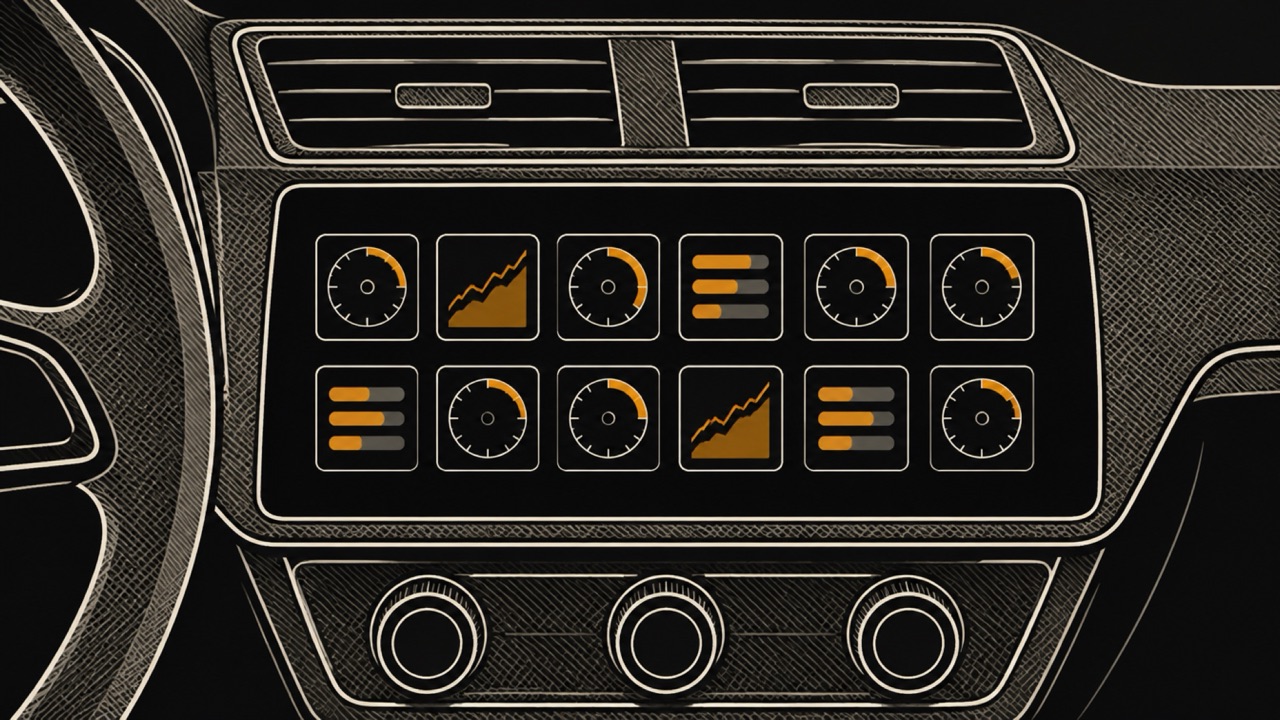
WrenchTime is an iPhone app for car and motorcycle maintenance, fuel, trips and live OBD-II data. With a Bluetooth LE ELM327 adapter or the Apple-certified OBDLink MX+ and WrenchTime Pro, its CarPlay Live tab is a grid of gauges you lay out per vehicle, read from any car that answers standard OBD-II. Standard OBD-II is the generic engine data a car reports to any compatible adapter, which is why no tune and no make-specific tool is needed.
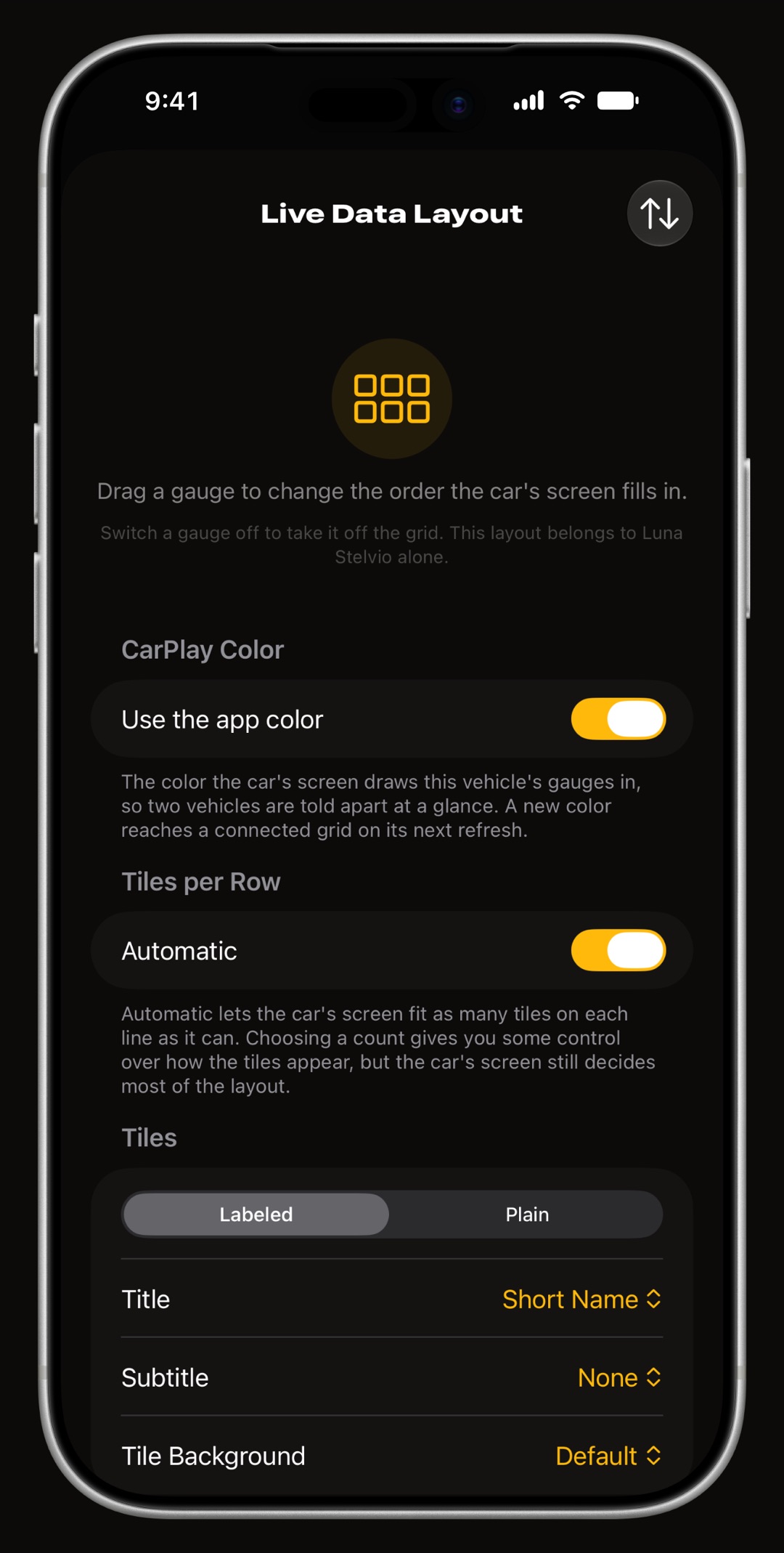
Each tile is a ring with caution and critical bands, a short graph of recent values or a plain number, and a row holds three to eight tiles. The tachometer and the speedometer read the car's own computer, not GPS, and boost, coolant temperature, throttle, voltage, fuel level, fuel rate, any other standard reading the car reports or a custom PID can be a tile. The grid is redrawn twice a second by default.
A reading that enters its critical band raises one alert on the car's screen, and tapping a tile shows its minimum, maximum and average for the drive. Three more tabs record and tag trips, find fuel stations or chargers nearby, and show what is due on the car. The OBD2 app for CarPlay guide covers the layout and the alerts, and how CarPlay gauges work across apps compares what other apps show.
Beyond the car's screen, the same adapter feeds the WrenchTime Live dashboard on the phone, 18 instrument types on pages you build, and every reading can be recorded with the trip at one sample per second, to read back on the trip's timeline. While a trip records, its Live Activity sits on the Lock Screen, in the Dynamic Island and on the CarPlay Dashboard beside the map.
With WrenchTime Pro, Vehicle Tools reads stored, pending and permanent trouble codes with the readiness monitors and the freeze frame, and custom signals add readings the car reports beyond the standard set, imported from a catalog and tested on your car before you rely on them. A custom signal becomes a CarPlay tile like any other.
WrenchTime is built natively in SwiftUI for iOS 26, using Liquid Glass and the Dynamic Island rather than imitating them. A trip runs as a Live Activity on the Lock Screen and in the Dynamic Island, 9 Home Screen and Lock Screen widgets, some with WrenchTime Pro, keep the log in view, and an Apple Watch app and a permanent iPad sidebar carry it further.
The dark theme is calibrated for OLED, the app takes any of 30 accent themes, and there are no ads on either tier, no account, and sync only through your own private iCloud. CarPlay, the Apple Watch app and the accent themes are part of WrenchTime Pro.
Yes, as two separate tools for two separate jobs. WrenchTime reads standard OBD-II data through its own Bluetooth adapter and does not flash or change the engine computer's programming: besides reading, it can only clear trouble codes (Pro), with the engine off. It neither reads nor changes an iE tune's adjustable features. Tune changes, octane switches and flashing are done in IE's POWERlink app, on the phone or, as IE's Full Throttle page describes, on CarPlay.
Both devices plug into the car's OBD-II port, so the one in the port at the time is the one that has a link to the car. Coding a VW or Audi, as opposed to tuning it, is a job for a coding tool; OBDeleven vs WrenchTime says where a coding app and WrenchTime each stop.
Pick by whether you want to change the car's tune or watch and record what the engine is doing. Each line is the need that app suits, WrenchTime included.
As the table above states, from IE's pages checked on October 26, 2026, POWERlink's CarPlay tune controls need an iE tune and its POWERlink V4 cable; WrenchTime's CarPlay gauges work on any car that answers standard OBD-II, with no tune and no proprietary cable.
What to remember about IE POWERlink on CarPlay and WrenchTime, checked on October 22, 2026.
If you want live gauges on the car's screen without a tune, WrenchTime reads live OBD-II data for free on the phone over a Bluetooth LE ELM327 adapter or an OBDLink MX+, shows 3 instruments on the WrenchTime Live dashboard on the free tier, and puts the full gauge grid on CarPlay with WrenchTime Pro: $2.99 a month, $14.99 a year with a free trial, or $39.99 once, App Store prices read on 2026-11-05.
The free tier also keeps 1 vehicle with 3 fuel entries and 2 maintenance entries a month. Start with the OBD2 app for CarPlay guide. Changing the tune itself stays with IE's POWERlink app.
Yes. POWERlink Suite, free on the App Store, with an Android version on Google Play, connects over Bluetooth to IE's POWERlink V4 cable to flash iE tunes, change octanes, read and clear codes, show live gauges and log data. It needs the cable and an iE tune, sold separately, checked October 22, 2026.
Yes, since POWERlink Suite 4.0.0 of October 21, 2026: the CarPlay app reads and erases codes, checks readiness monitors, shows live gauges and controls an iE tune's adjustable features, and Siri takes voice commands. IE notes its CarPlay widgets need a touchscreen unit and do not work with Audi MMI.
For the tune controls, yes. IE presents CarPlay as new for every tune with adjustable features, the LIVE adjustable features it launched in April for the phone. Owners already running adjustable features get CarPlay by updating the POWERlink app, according to IE's Full Throttle page, checked October 22, 2026.
$184.99 on IE's website, checked October 22, 2026, for the cable alone: IE states that tunes are sold separately. The POWERlink Suite app is free. The app does not work with older V3 cables, and IE offers a $50 refund on a V4 when a V3 is returned.
Yes, with a general OBD-II app. WrenchTime, with WrenchTime Pro and a Bluetooth LE ELM327 adapter or an OBDLink MX+, draws a grid of live gauges on CarPlay for any car that answers standard OBD-II, and OBD Fusion lists readings there as text. Neither tunes.
No. WrenchTime reads standard OBD-II data and trouble codes and does not flash or change the engine computer's programming, so it cannot install a tune or adjust an iE tune's features; besides reading, it can only clear trouble codes (Pro). Tune changes stay in IE's POWERlink app, on the phone or on CarPlay.
More from the blog
CarPlay
How to see live OBD2 readings such as RPM, boost and coolant temperature on CarPlay, why most apps show a list, which apps draw gauges, and which adapters work with iPhone.
App comparison
What OBDeleven's free plan, PRO and ULTIMATE include, how its live data and CarPlay work, how boost is computed from OBD-II, and where WrenchTime differs on iPhone with any ELM327 adapter.
CarPlay
The best CarPlay apps for iPhone for navigation, music, radio, podcasts, audiobooks, messaging, EV charging, parking, food, weather, AI and car tools, the free ones, and how widgets reach the car.
Free to download. One vehicle, real features, no ads. Your garage will thank you.
Download WrenchTime on the App Store