OBD-II adapters · Others · iPhone
Will an OBD-II adapter that is not on the list work with an iPhone?
Very likely, if it uses Bluetooth Low Energy and speaks the ELM327 command set. WrenchTime does not depend on a list of approved adapters: the scan shows every named Bluetooth Low Energy device nearby, and when you pick one the app tries it on the spot, keeps it only if it answers like an OBD-II adapter, and remembers how it talked to it for every later drive. What will not work is a Wi-Fi adapter, or a classic Bluetooth one sold for Android, because those are radios this app cannot reach on an iPhone. The tested list is short only because it records what someone actually saw on a car, so if you try an adapter that is not on it, whether it works or not, telling us is how it gets added.
What does a Bluetooth Low Energy adapter need to work with WrenchTime?
Four things, and most adapters sold as compatible with iPhone have all of them. None of them is a brand: an adapter from a maker nobody has heard of works as well as a known one if it ticks these boxes.
- Bluetooth Low Energy the listing says BLE, Bluetooth 4.0 or later, or that it works with iPhone. An adapter that is Wi-Fi only, or classic Bluetooth for Android only, cannot be reached by an iPhone app. The one classic Bluetooth exception is the Apple-certified OBDLink MX+.
- The ELM327 command set the adapter answers AT commands and ends each answer with a > prompt, as nearly every OBD-II adapter and clone does. The very first thing WrenchTime sends is a short identification command, and an adapter that never sends a prompt back is not kept.
- A channel to write to and read from the adapter exposes a pair of Bluetooth characteristics, one the app writes commands to and one that notifies the answers. The common layouts (services FFF0, FFE0 and 18F0) are tried first, then the adapter's other services, so an unusual layout is found too.
- A name it advertises names containing OBD, ELM, Vgate, vLink, iCar, Veepeak, Carista, Konnwei, Kiwi, LeLink or Scan are listed first, as recognized adapters. Any other named device with a usable signal is listed below them and can be tried just the same.
What else makes an adapter a good one for trips?
Waking up by itself. An adapter that sleeps when the car is off and does not come back when the app connects records nothing on a trip that starts while it is asleep, so for automatic trip recording that matters as much as working at all. The Vgate iCar Pro line wakes by itself; the non-Pro Vgate iCar has to be switched on with its button. If the listing or the maker says nothing about it, the first few drives will tell you: a trip that has engine readings from the first minute means the adapter woke up on its own.
How do I try an adapter that is not on the list?
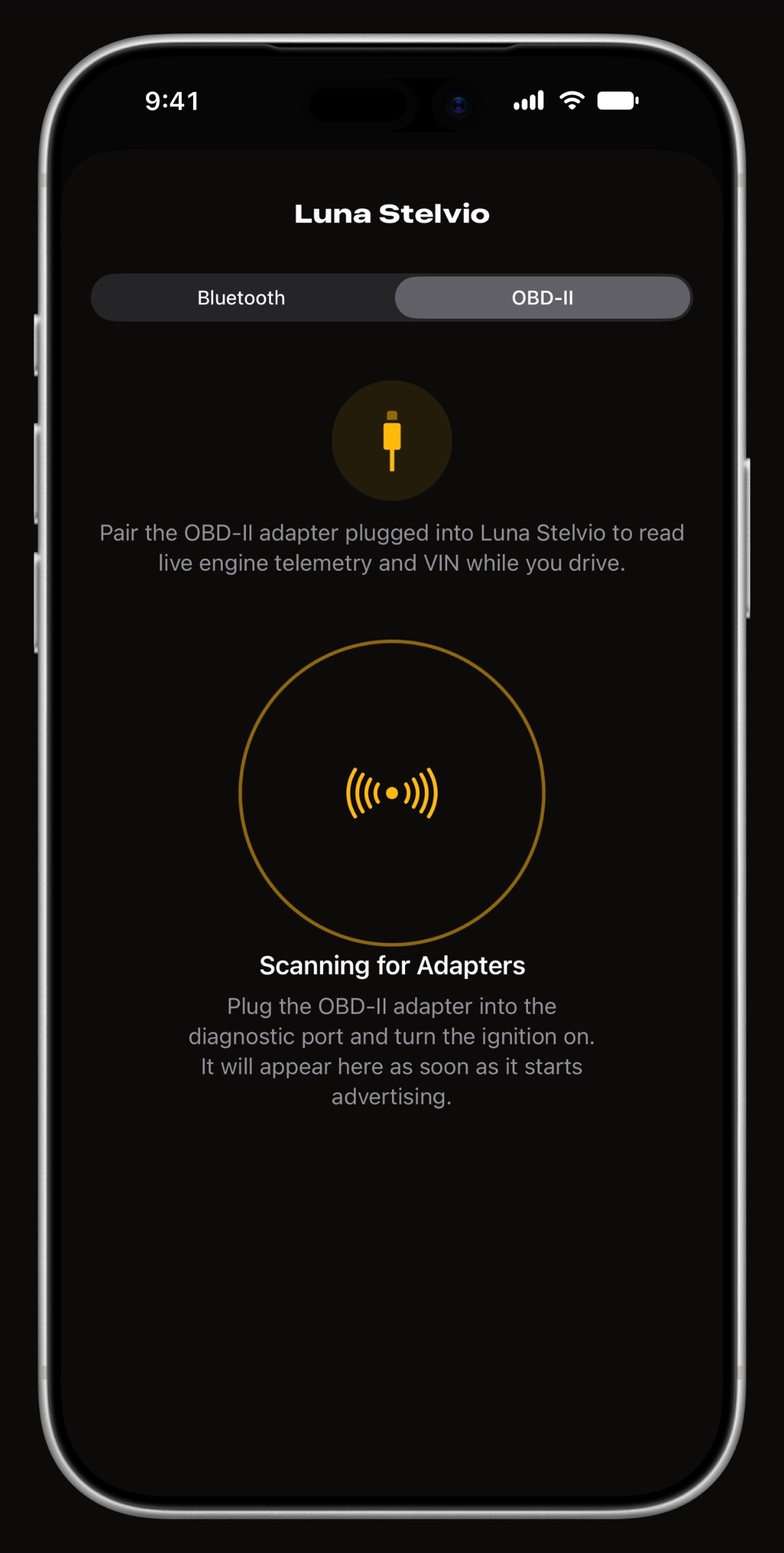
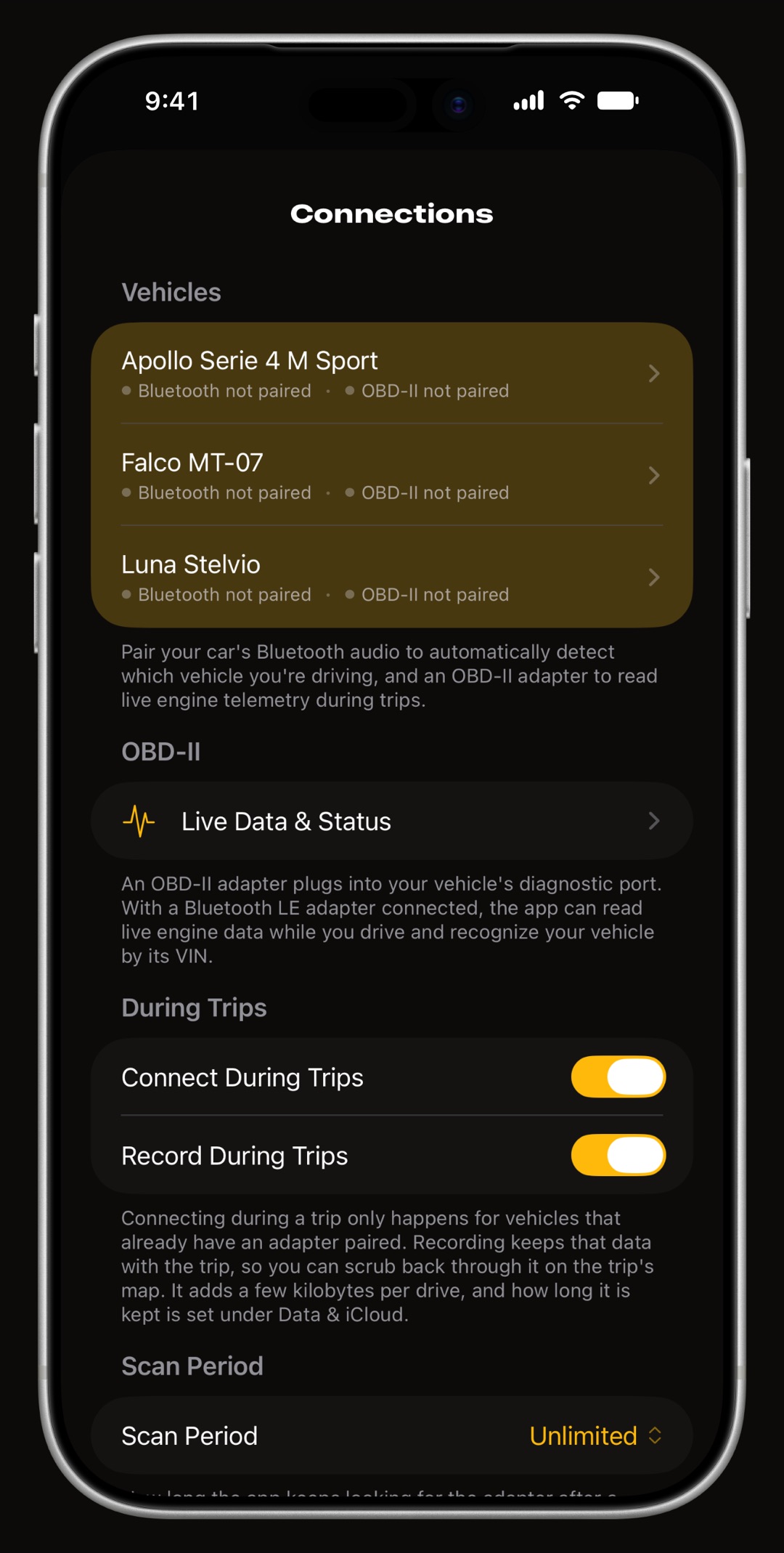
Plug it into the OBD-II port, turn the ignition on, and do not pair it in iPhone Settings > Bluetooth. Then open Settings > Connections in WrenchTime, pick the vehicle and switch to its OBD-II tab. If the scan recognizes the adapter it is listed first; if not, look for its name among the other devices nearby and tap it. WrenchTime tries it right away: it is linked only if it answers like an OBD-II adapter, and otherwise the screen says so and your previous link is left as it was. A first Connection Check then watches speed and revs for a few seconds. Every screen of it is in the tutorial on connecting an OBD-II adapter.
Why should I tell you about an adapter that is not on the list?
Because it helps everyone who comes after you. The tested list grows only from what someone actually saw on a car, and an adapter you report, working or not, is added to WrenchTime's adapter log and to these pages with its status. A report that it failed is just as useful: it can point to a fix in the app, or at least save the next driver the purchase. Write from Settings > Support > Help & Feedback in the app, which opens an email with the app version and device already filled in. These details make a report most useful:
- The adapter its exact name and model as printed on it or on the listing, and the name it showed in the scan.
- What happened whether the scan found it, whether it connected and showed live readings, and whether it woke by itself on the next drive.
- The car make, model and year, since some adapters behave differently on some makes.
- The diagnostic log switch it on in the feedback form if you are willing: its technical details record what the adapter answered, which is often enough to add it without another question.
Frequently asked questions
Does WrenchTime only work with the adapters on the tested list?
No. Any adapter that speaks ELM327 over Bluetooth Low Energy is expected to work: the app tries an unknown adapter on the spot and keeps it if it answers like an OBD-II adapter. The list records the adapters someone has actually seen working on a car.
How can I tell if a cheap ELM327 adapter will work with my iPhone?
Look for Bluetooth Low Energy, BLE, Bluetooth 4.0 or iPhone compatibility on the listing. Avoid one sold as Wi-Fi or for Android only, which is usually classic Bluetooth and cannot be reached by an iPhone app.
My adapter is not on the list. How do I get it added?
Try it, then write from Settings > Support > Help & Feedback in WrenchTime with its name, your car and what happened, ideally with the diagnostic log attached. It goes in the adapter log and on these pages with its status, whether it worked or not.
Made for people who would rather know than guess.
Free to download. One vehicle, real features, no ads. Your garage will thank you.
Download WrenchTime on the App Store