Diagnostics
What is the best OBD2 app for iPhone?
Six OBD2 apps for iPhone compared on price, adapter, readiness, Mode 06, manufacturer modules, CarPlay and logs, from what each developer states.
Diagnostics
No. Torque Pro, the OBD2 app by Ian Hawkins, is an Android app: its developer's site describes it as viewing live OBD engine data "on your Android phone", and it sells for $4.95 on Google Play as of September 28, 2026. There is no iPhone version. Apps on the App Store that carry "Torque" or "Torque Pro" in their name come from other developers. On iPhone, choose Car Scanner ELM OBD2 for a free scanner, OBD Fusion for paid packs per make, WrenchTime, my own app, to test custom PIDs on your car and keep OBD data with trips, fuel and service, or BlueDriver for one sensor.
I build WrenchTime, one of the iPhone apps named below, so read this knowing that. Torque Pro, Car Scanner ELM OBD2, OBD Fusion and BlueDriver are trademarks of their respective owners. WrenchTime is not affiliated with, sponsored by or endorsed by any of them.
As of September 28, 2026, three apps on the US App Store use the Torque name, from three different developers. None of them names Ian Hawkins or torque-bhp.com, and none says it is connected to the Android app. Search results and some AI-generated summaries present one of them as the official Torque Pro; the original developer's site still describes Torque as an Android app, and its own forum thread on iPhone support contains user requests for a port, not a release.
Check the developer name on the App Store page before paying: it is the one field an app's name cannot change. The table lists what each listing states.
| App name on the App Store | Developer | Price model | Adapter it asks for | Last update |
|---|---|---|---|---|
| Torque Pro : OBD2 Car Scanner | Collabrains Technologies LTD | Free; Premium $9.99 a week, $14.99 a month or $59.99 a year; vehicle history report $19.99 | Bluetooth or Wi-Fi ELM327 | April 2026 |
| Torque OBD 2 & Car Pro | Fantastic Software, Inc. | $9.99 | Wi-Fi ELM327 | August 2019 |
| Torque Check Pro (OBD 2 & Car) | Duc Thien Phan | Free with a subscription | Wi-Fi | September 2025 |
Sources: App Store listing and the iTunes lookup API for each app; torque-bhp.com forum. Checked September 28, 2026.
Torque Pro is built for Android and its developer has not ported it to iOS. A second reason matters when you move from an Android phone to an iPhone: many inexpensive adapters sold for Torque use classic Bluetooth, which Android apps can use and iPhone apps cannot. The same goes for OBD2AA, the plugin that put Torque's gauges on Android Auto: OBD2AA and its CarPlay equivalent explains what replaces it on an iPhone.
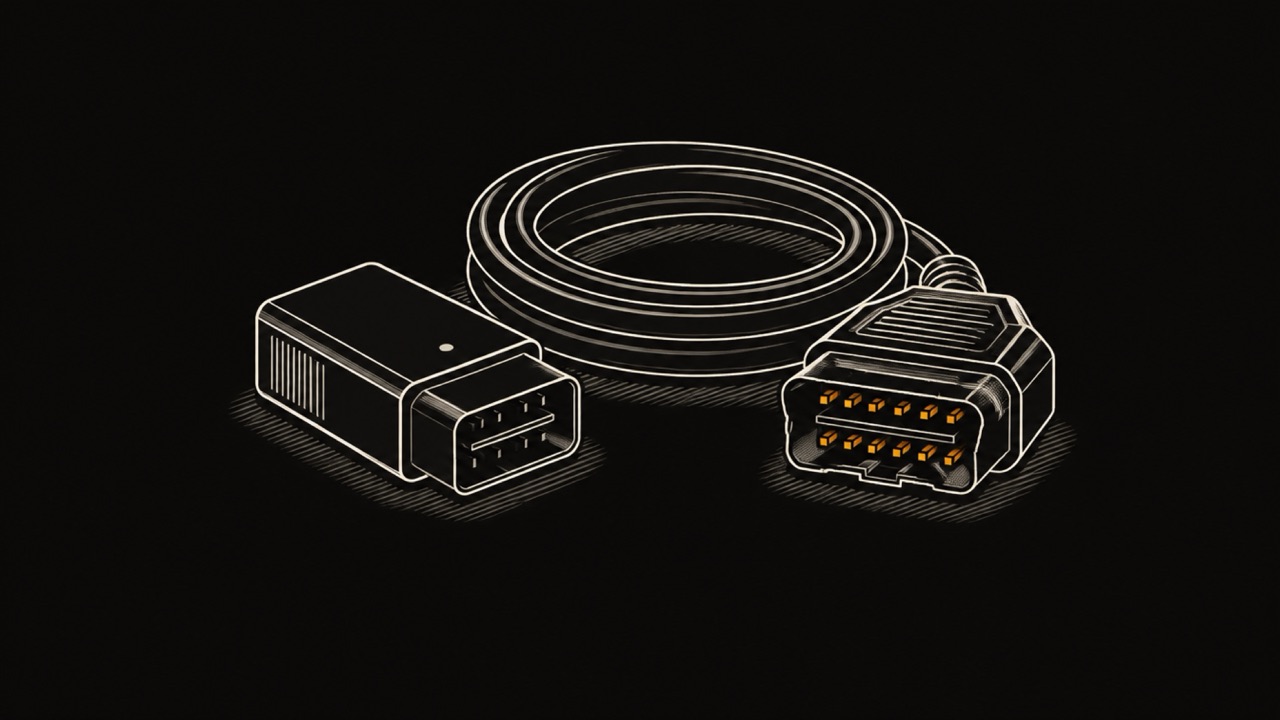
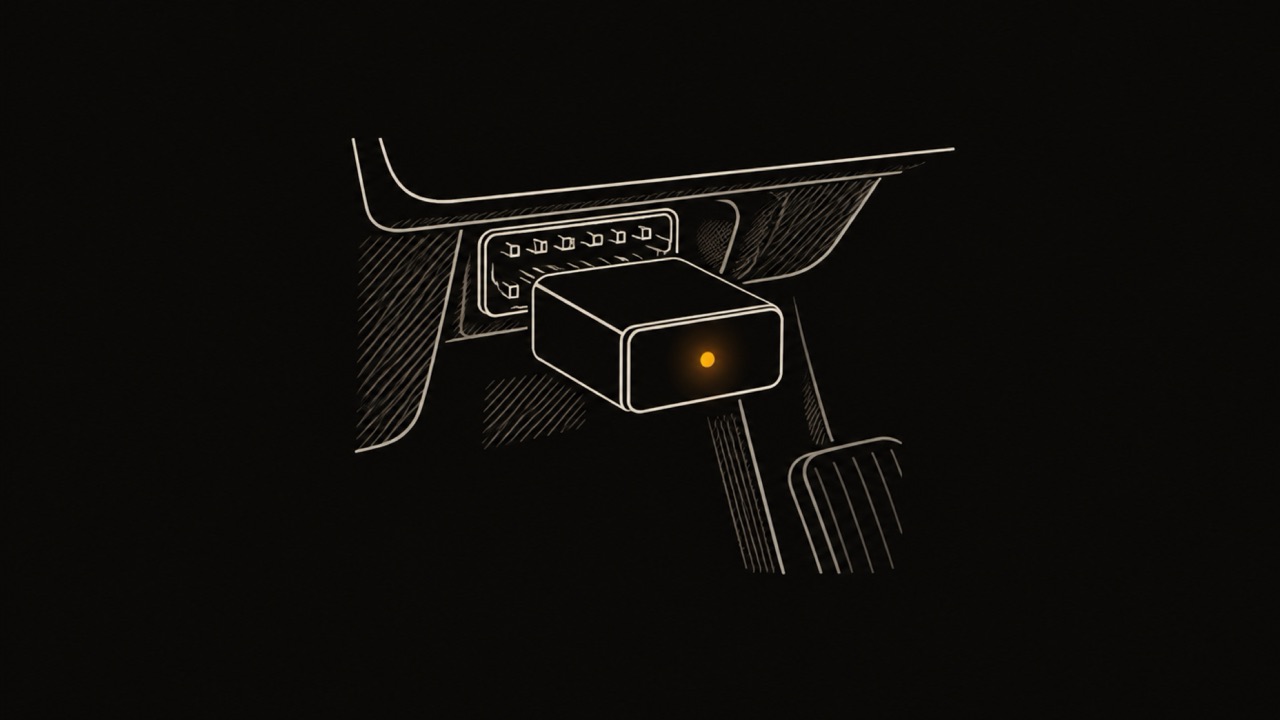
An iPhone OBD2 app needs a Bluetooth Low Energy, Wi-Fi or Apple MFi adapter. An adapter that pairs from the Bluetooth screen of your phone's Settings is usually classic Bluetooth, and it will not connect to an iPhone app. How to use an OBD2 scanner explains how to connect a Bluetooth adapter to a phone.
Four iPhone apps cover most of what Torque users rely on. Car Scanner ELM OBD2 is free, with Pro at $7.99 once; OBD Fusion costs $9.99; WrenchTime is free, with trouble codes and custom PIDs in WrenchTime Pro; and the BlueDriver app is free but needs the BlueDriver sensor, $99.95 on its maker's store. App Store prices are the US ones on September 28, 2026, the sensor's on October 27, 2026.
Pick by the habit you are replacing. Each line is the need that app suits, WrenchTime included.
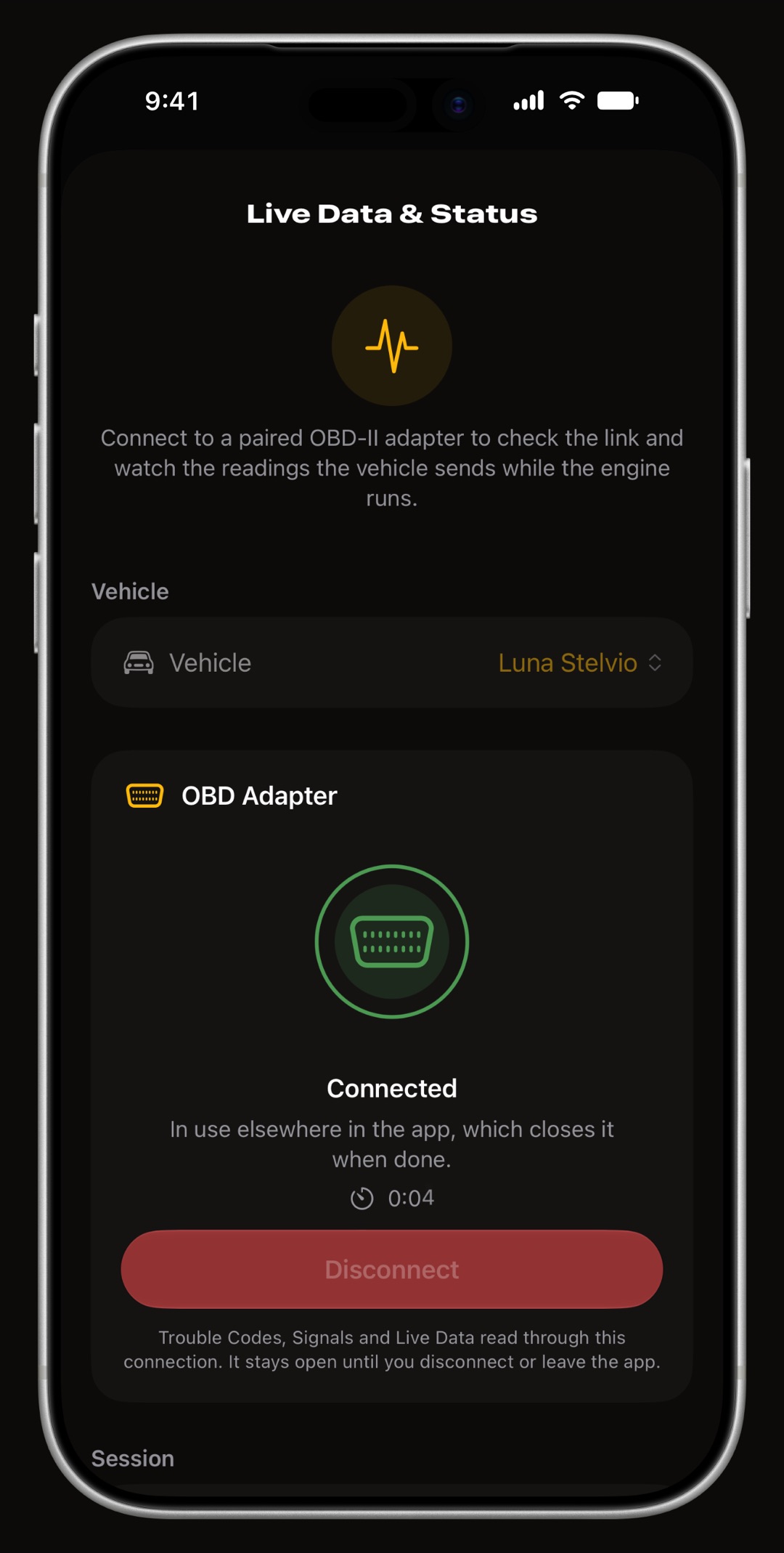
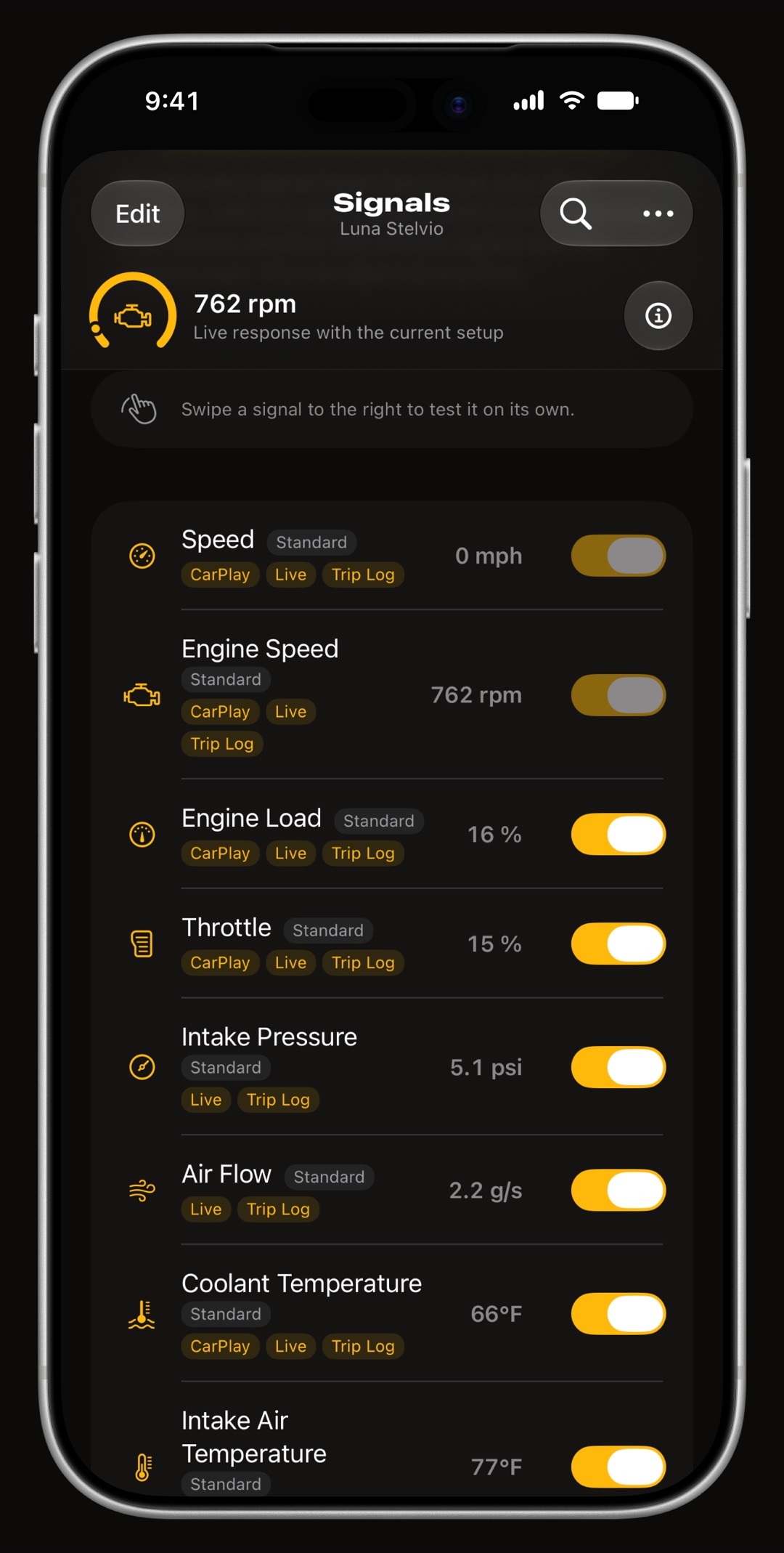
I build WrenchTime, so weigh this section knowing that. For a Torque user it covers the three habits that matter most. Custom PIDs (Pro) are written with Torque-style byte letters, or imported from a catalog and tested on your car. The WrenchTime Live dashboard draws 23 instrument types on pages you build, free with 3 instruments on the first page. And every reading can be recorded with the trip at one sample per second, with trips that start on their own.
Of the four apps on this page, WrenchTime is the one that tests a custom PID on your own car before you rely on it: the test reads it from the car and shows whether it answered, the value it returned and how long the exchange took. Car Scanner's and OBD Fusion's App Store pages describe adding custom PIDs with no test step, and BlueDriver's lists none (checked October 27, 2026).
It is also the one that keeps a fuel and maintenance log on the same odometer as the OBD data, and that shows a trip being recorded as a Live Activity on the Lock Screen and in the Dynamic Island. Neither appears on the other three App Store pages, checked October 27, 2026.
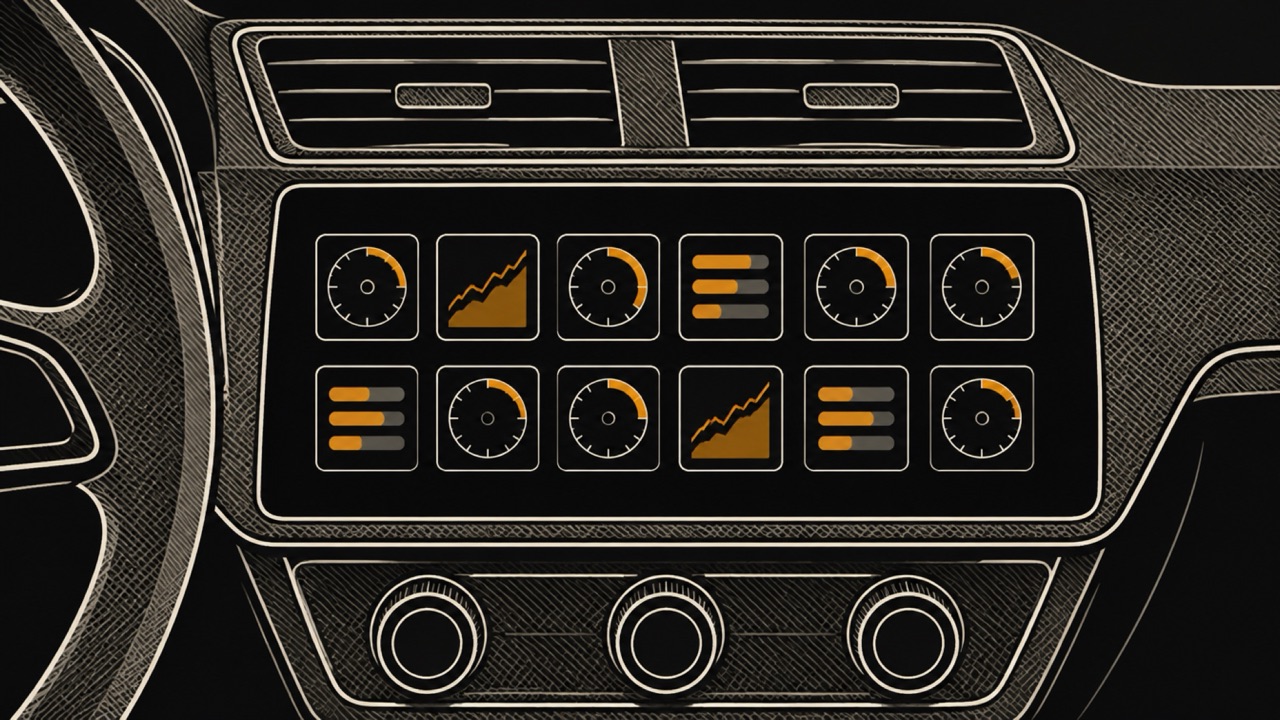
On CarPlay, with WrenchTime Pro, the Live tab is a grid of gauge tiles with caution and critical bands, redrawn twice a second by default, and a reading that turns critical raises one alert on the car's screen. While a trip records, its Live Activity sits on the CarPlay Dashboard beside the map. With Pro, Vehicle Tools reads stored, pending and permanent codes with the readiness monitors and the freeze frame.
WrenchTime is built natively in SwiftUI for iOS 26, using Liquid Glass and the Dynamic Island rather than imitating them. A trip runs as a Live Activity on the Lock Screen and in the Dynamic Island, 9 Home Screen and Lock Screen widgets, some with WrenchTime Pro, keep the log in view, and an Apple Watch app and a permanent iPad sidebar carry it further.
The dark theme is calibrated for OLED, the app takes any of 30 accent themes, and there are no ads on either tier, no account, and sync only through your own private iCloud. CarPlay, trouble codes, custom PIDs, the Apple Watch app and the accent themes are part of WrenchTime Pro.
There is no automatic import from Torque into WrenchTime, so each custom PID is entered again: the mode, the PID, the equation and the unit. In WrenchTime the equation is written with the same A, B, C letters for the answer's data bytes that Torque uses, so a formula such as ((A*256)+B)/4 carries over as written. WrenchTime accepts custom PIDs on modes 01, 21 and 22.
The facts in four lines, as of September 28, 2026.
WrenchTime reads live data from a Bluetooth LE ELM327 adapter or the Apple MFi OBDLink MX+, records it with every trip and shows it as gauges on CarPlay. WrenchTime Pro adds trouble codes, readiness monitors, freeze frame and custom PIDs written with Torque-style byte formulas. It does not read manufacturer modules.
Try every OBD screen in the free demo mode before buying an adapter. The OBD2 app for iPhone guide lists the adapters that work, and What is the best OBD2 app for iPhone? compares six apps with prices.
No. The original Torque Pro is by Ian Hawkins and is Android only. The App Store apps that use the name come from Collabrains Technologies LTD, Fantastic Software, Inc. and Duc Thien Phan, and none of them says it is connected to the Android app.
Torque Pro costs $4.95 once on Google Play as of September 28, 2026, and runs on Android only. There is no iPhone version at any price.
Only if it is a Bluetooth Low Energy, Wi-Fi or Apple MFi adapter. Many adapters sold for Torque use classic Bluetooth, which iPhone apps cannot use. If the adapter pairs from your phone's Bluetooth settings, it is most likely classic Bluetooth.
It depends on the habit you are replacing. Car Scanner ELM OBD2 suits a free scanner with manufacturer profiles, OBD Fusion dashboards with paid per-make packs, WrenchTime custom PIDs tested on your car with OBD data kept with your trips, fuel and service log, and BlueDriver one sensor with repair reports.
More from the blog
Diagnostics
Six OBD2 apps for iPhone compared on price, adapter, readiness, Mode 06, manufacturer modules, CarPlay and logs, from what each developer states.
App comparison
What the OBD Fusion app costs, what it shows on CarPlay, which adapters it needs on iPhone, what its paid make packs add, and where WrenchTime differs.
CarPlay
How to see live OBD2 readings such as RPM, boost and coolant temperature on CarPlay, why most apps show a list, which apps draw gauges, and which adapters work with iPhone.
Free to download. One vehicle, real features, no ads. Your garage will thank you.
Download WrenchTime on the App Store