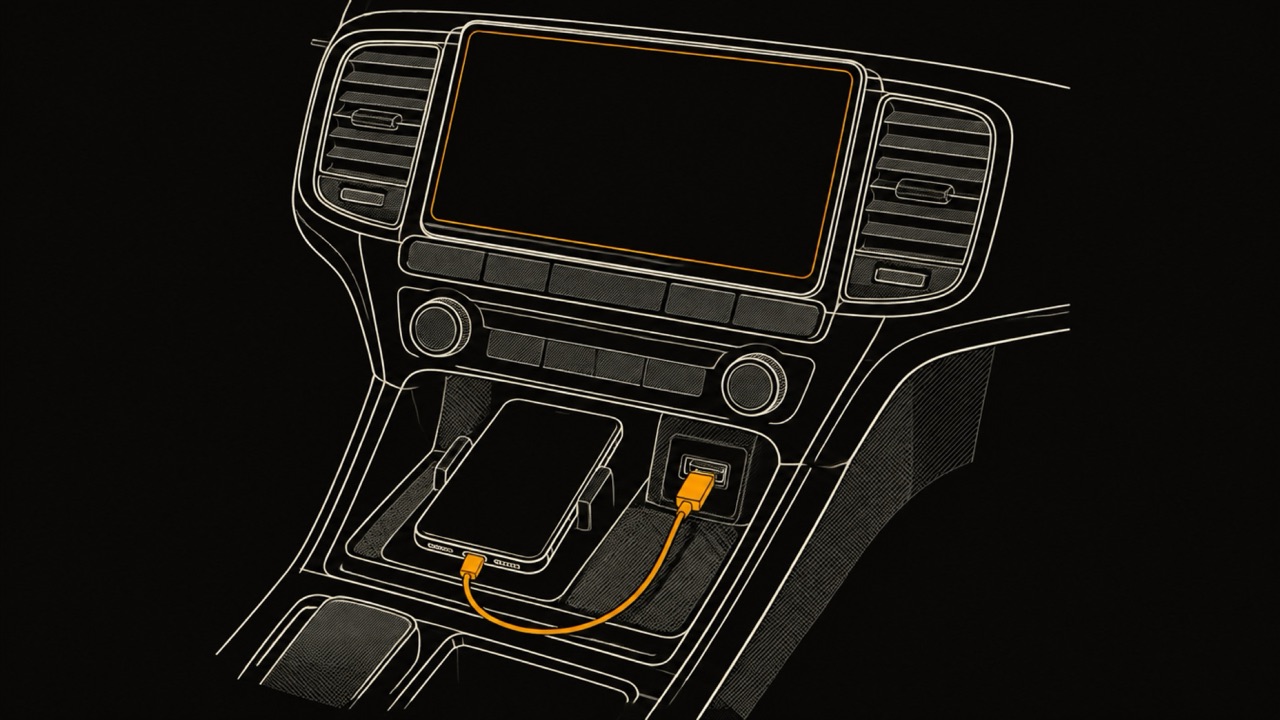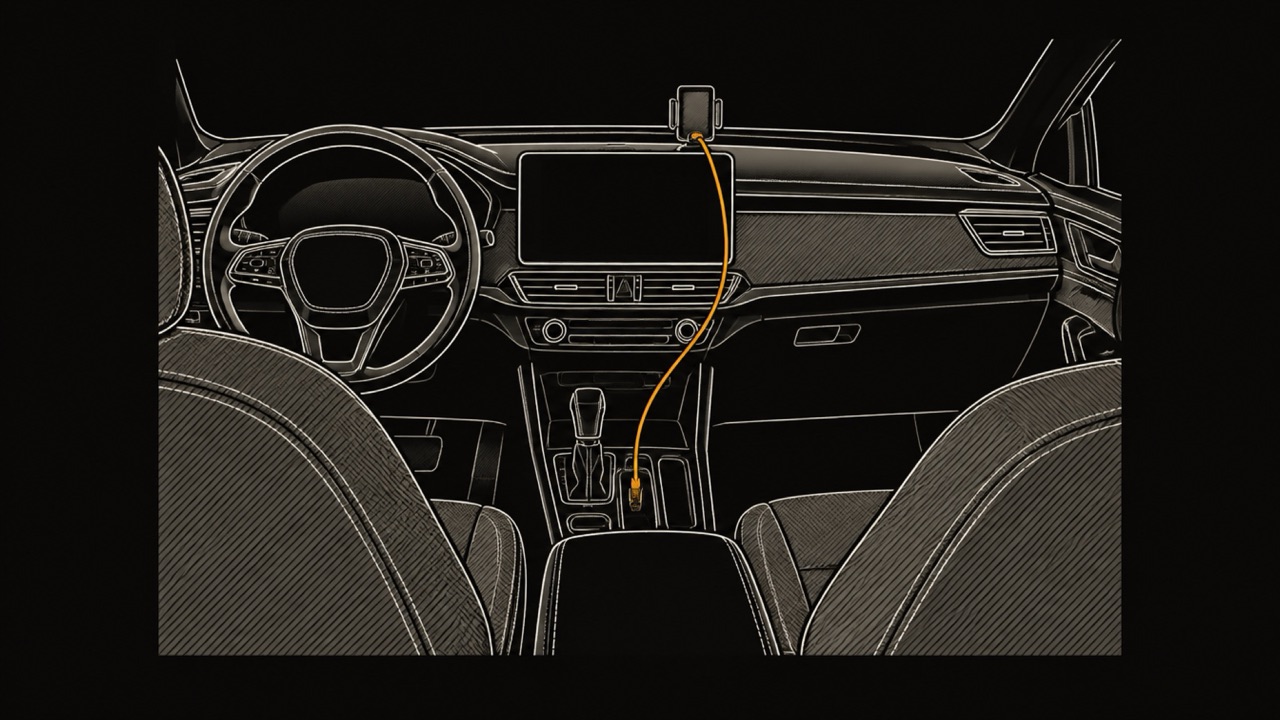
CarPlay
Best CarPlay apps for iPhone (2026)
The best CarPlay apps for iPhone for navigation, music, radio, podcasts, audiobooks, messaging, EV charging, parking, food, weather, AI and car tools, the free ones, and how widgets reach the car.
CarPlay
To watch videos on CarPlay, park the car, connect the iPhone to CarPlay, start a video in an app that supports AirPlay, tap the AirPlay button and choose the CarPlay display. Apple's guide reads: "When you're not driving, you can play videos from your iPhone on your CarPlay display." It works in cars that support the video-in-car feature, and if the car reports that video is not available, the video switches to audio only (Apple Support, Play videos with CarPlay). With iOS 27, video apps built for CarPlay can also appear on the CarPlay home screen of supported cars.
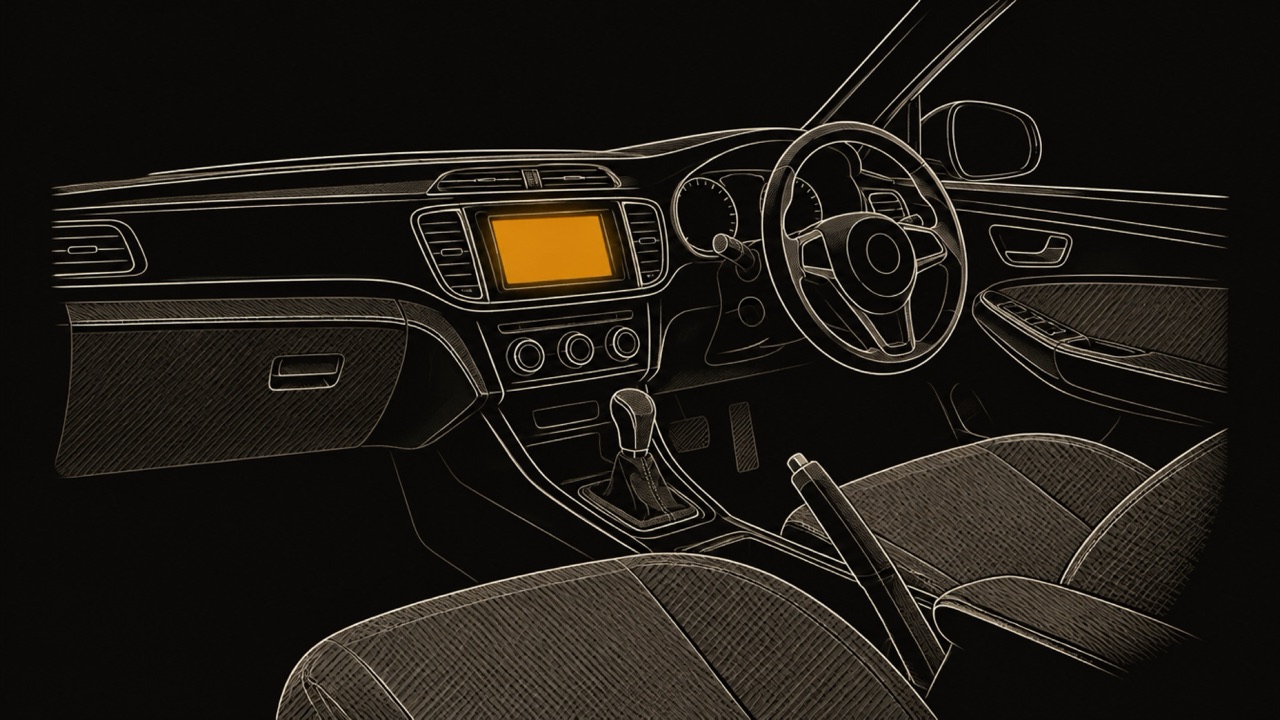
Watching videos on CarPlay means sending a video from the iPhone to the car's display over AirPlay, Apple's system for streaming audio and video from one device to another screen. Apple's guide sets the condition first: "When you're not driving, you can play videos from your iPhone on your CarPlay display" (Apple Support). The steps below follow Apple's guide, done with the car parked.
AirPlay video to CarPlay is recent. According to MacRumors in February 2026, Apple announced it at WWDC 2025 and the first iOS 26.4 beta contained hints of it; MacRumors in April 2026 lists it as one of the two CarPlay features iOS 26.4 brought. MacRumors also reports a Dynamic Island button that moves the video back to the iPhone. Apple's own pages state no version number.
Apple's page describes sending a video to the CarPlay display over AirPlay, not mirroring the iPhone screen. Other iPhone apps reach CarPlay through their own CarPlay versions, which Apple's CarPlay developer page allows for a list of supported app categories.
No. Apple's guide says CarPlay video apps work in vehicles that support the video-in-car feature, the carmaker's side of the system that lets the car show video while it is parked (Apple Support). Apple's CarPlay developer page puts it the same way: video apps play video "in supported cars when parked". MacRumors reports Apple saying that automakers have to implement the feature.
Apple publishes no list of compatible cars, according to Engadget in November 2026. Engadget reports that Apple requires CarPlay screens of at least 1,920 x 1,080 to play video, plus HEVC video decoding and at least 4 GB of memory. Apple's own CarPlay pages publish no such figures, and a car meeting them still needs the carmaker to have implemented the feature.
Without a list, the practical check is the car itself. With the car parked and the iPhone up to date, a CarPlay display that never shows up as an AirPlay choice likely means the car does not support video; the carmaker can confirm it. The options left are watching on the iPhone itself while parked, or playing the same video through CarPlay as audio only, which Apple describes as the fallback.
Two kinds of app play video on CarPlay. Today, any app that supports AirPlay can send its video to the CarPlay display of a supported car while parked, Apple says; Engadget reports that YouTube works this way. From iOS 27, developers can also build native CarPlay video apps, which appear on the CarPlay home screen only in cars that support video in car (Apple, WWDC26 session "Rev up your CarPlay app").
Apps that already support AirPlay need no changes to keep working, Apple's WWDC26 session says. Netflix and YouTube have no native CarPlay video app, according to Engadget; whether a streaming service ships one is up to that company, not to Apple or the driver.
Once a native CarPlay video app exists and is installed, it is added to the car's screen like any other CarPlay app. The steps, and the reasons an icon can be missing, are in how to add an app to CarPlay.
Video on CarPlay usually fails for one of five reasons: the car is moving, the car lacks the video-in-car feature, the app has no AirPlay support, the iPhone runs software older than the feature, or the car has reported video as unavailable. The signs below are the typical ones, and only the switch to audio only is described by Apple.
| Cause | What you see | What to do |
|---|---|---|
| The car is moving | The video switches to audio only | Park; Apple's guide covers video when you are not driving |
| The car lacks the video-in-car feature | Likely no CarPlay display to choose in AirPlay | Watch on the iPhone; Apple names no compatible cars |
| The app does not support AirPlay | No AirPlay button in the player | Use an app that supports AirPlay, or a CarPlay video app with iOS 27 |
| The iPhone software is older than the feature | Likely no CarPlay display option | Update iOS; MacRumors and Engadget report iOS 26.4 as the first version |
| The car reports video unavailable | The video switches to audio only | Apple says the car may report this at any time; the picture depends on the car |
Sources: Apple Support, Apple WWDC26, Engadget, MacRumors.
No, by design. When the vehicle indicates that video is not available, CarPlay switches the video to audio only (Apple Support). Apple's WWDC26 session gives the intended use: a podcast or a sports broadcast that keeps playing as sound once the car moves, and the car may report video as unavailable at any time.
Safety guidance points the same way. NHTSA's proposed Visual-Manual Driver Distraction Guidelines of 2012 list "displaying images or video not related to driving" among the tasks that inherently interfere with driving. NHTSA describes those guidelines as nonbinding and voluntary: proposed guidance for the makers of vehicles and in-vehicle devices, not a law.
State laws also apply. Florida Statutes section 316.303, as one US example, bars operating a vehicle while moving television or pre-recorded video entertainment is actively displayed where the driver can see it while in motion, with exceptions such as navigation displays. Laws differ by state and by country, so check the local rules before using a screen in the car, parked or not.
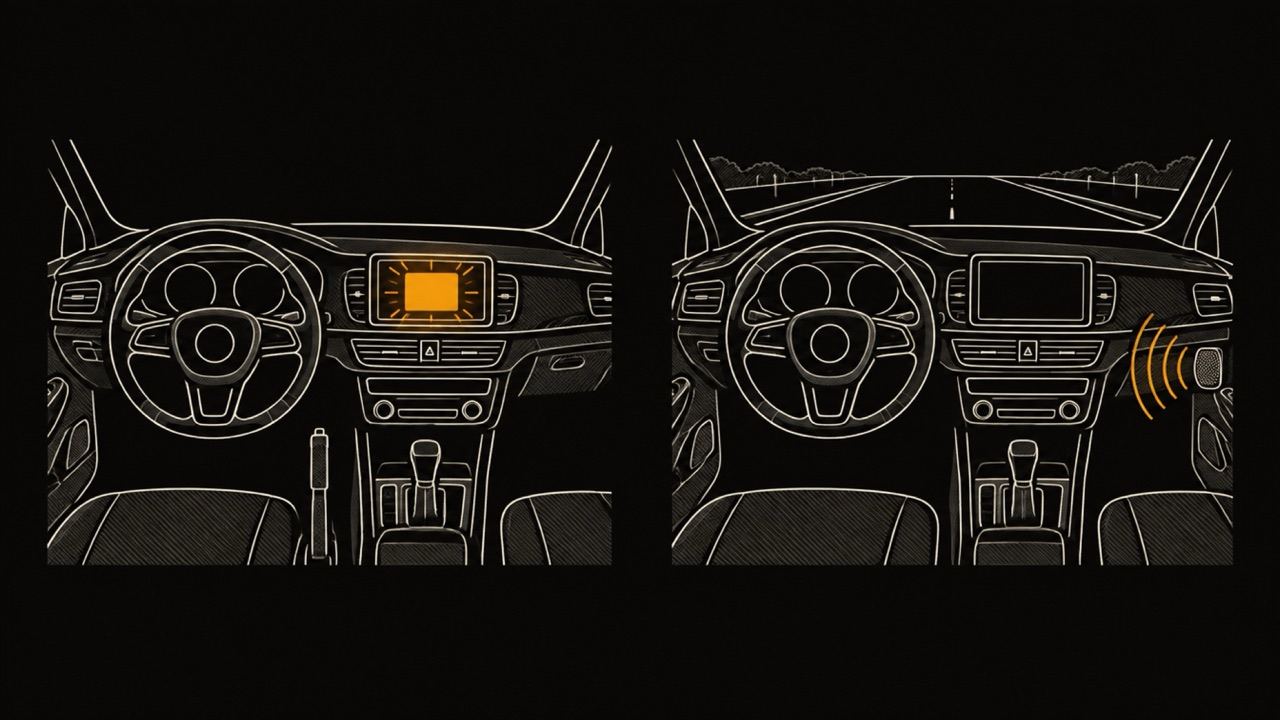
AI boxes are Android-based devices sold for cars with CarPlay. Engadget reports that boxes from makers such as Carlinkit and Ottocast bypass CarPlay's parked-only restriction on video (Engadget).
An AI box is third-party hardware, not CarPlay, and Apple says nothing about it on its CarPlay pages. Engadget itself notes that "watching video on the road can be distracting", and the state laws above apply to whatever device puts the picture on the screen.
APTV and Carvia are App Store apps that put video on the CarPlay screen of cars without the video-in-car feature. Both are M3U and IPTV players, which play playlists the user supplies, and both add a web browser on the car's display. That browser is how drivers opened YouTube on CarPlay before Apple's own AirPlay video existed, and why the two names come up whenever someone asks how to watch videos on CarPlay.
APTV, sold by Suzhou Xiying Guangnian Technology, is an IPTV M3U player whose in-app browser could load YouTube on the car's screen, according to autoevolution. Its App Store listing describes the player and does not mention CarPlay video.
APTV's CarPlay video has stopped working. autoevolution reported on October 28, 2026 that it broke after iOS 27.2, quoting the developer: "Apple has disabled this CarPlay video functionality in iOS 27.2." BigGo reports that Apple had the app removed from the App Store on October 23, 2026, before it returned.
The developer's own account, in a notice on its GitHub page pinned on November 24, 2026, reads: "Apple previously removed APTV from the App Store due to its CarPlay video playback functionality." The notice adds that this is "not a technical issue, bug, or temporary service interruption" and that "under Apple's current restrictions, this functionality will not be restored." Updating the app does not bring the feature back.
Carvia, sold by Union Communications Agency Limited, says on its App Store listing that it "opens in every CarPlay car, including cars without CarPlay video support". The listing offers a web browser on the car screen, where the iPhone becomes a trackpad, and screen mirroring of the whole iPhone onto the car display. It requires iOS 17 or later and states that "Carvia is a player only. It does not provide, host or recommend any content."
Carvia's listing also sets its own limit: "Video, browser and mirroring on the car screen are for passengers and parked vehicles only." Like the AI boxes above, Carvia is not Apple's video-in-car feature, and APTV's case shows that a car-screen browser in an App Store app lasts only as long as Apple allows it. The state laws on video in the driver's view apply here too.
| App | How video reached the car screen | Status |
|---|---|---|
| APTV | An in-app browser on the CarPlay display, used to open YouTube | CarPlay video stopped after iOS 27.2 and Apple's removal request; the developer says it will not return |
| Carvia | A browser on the car screen, IPTV playlists and screen mirroring | Listed on the App Store, for passengers and parked cars only, by its own terms |
Sources: autoevolution, a notice on its GitHub page, BigGo, Carvia App Store listing.
CarPlay shows far more than audio and navigation. With iOS 26, CarPlay gained widget stacks to the left of the Dashboard, the CarPlay screen that combines the map with smaller panels, and Live Activities, an app's live status card, appear on the Dashboard automatically (Apple Support, About iOS 26 Updates). Apple's developer page lists task apps for EV charging, fueling, parking, public safety, quick food ordering, voice-based conversational apps and driving tasks.
Some of those categories are older than others. Fueling apps reached CarPlay with iOS 16 in 2022, according to MacRumors, and voice-based conversational apps arrived with iOS 26.4, MacRumors reports. The five apps below are examples of what CarPlay apps can show beyond music and maps, one each, in no order of preference.
PlugShare, an EV charging app, shows nearby charging locations, bookmarked locations and planned trips on CarPlay, according to its App Store listing.
SpotHero, a parking app, lets a driver search, book and navigate to parking from the dashboard, with the five closest facilities and their prices, Quick Rebook and the parking pass, according to SpotHero. Apple Pay is not supported in its CarPlay app, and edits to a booking happen on the phone.
ChatGPT, a voice-based conversational app, has a voice-first CarPlay interface to start a voice chat or resume a recent chat or project. It needs iOS 26.4 or later and cannot access maps, vehicle data or live location, according to the OpenAI Help Center.
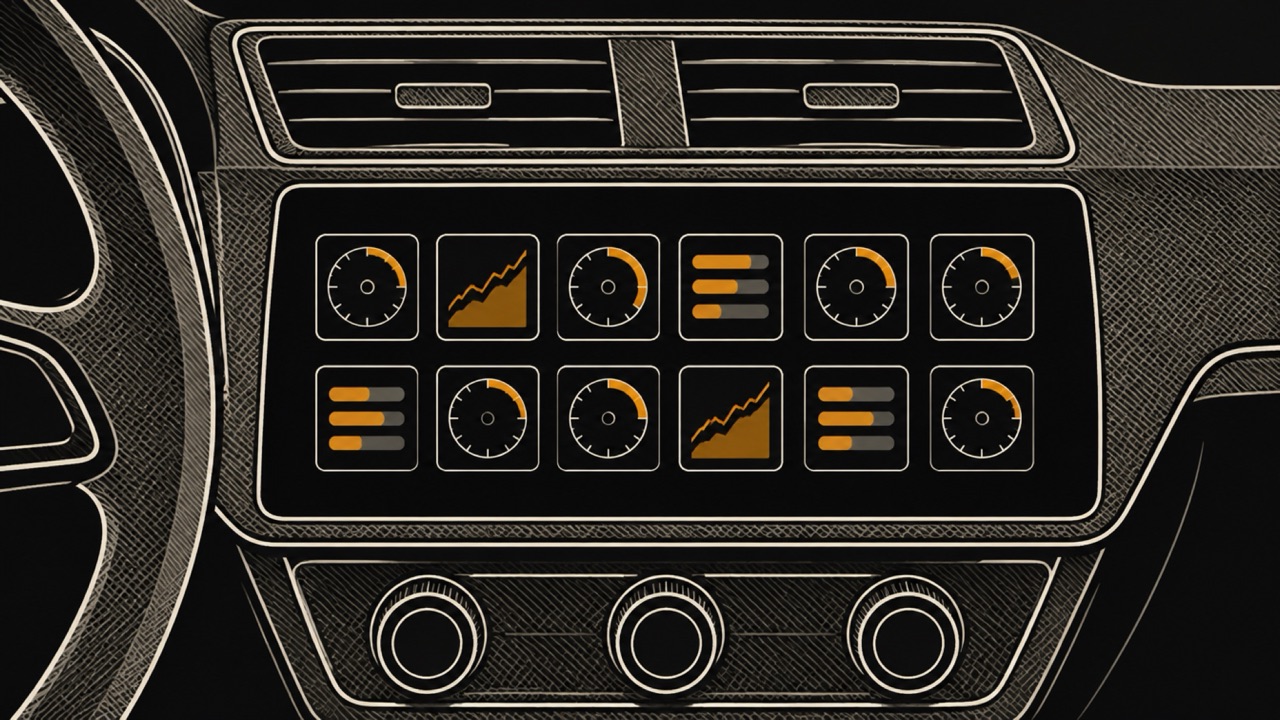
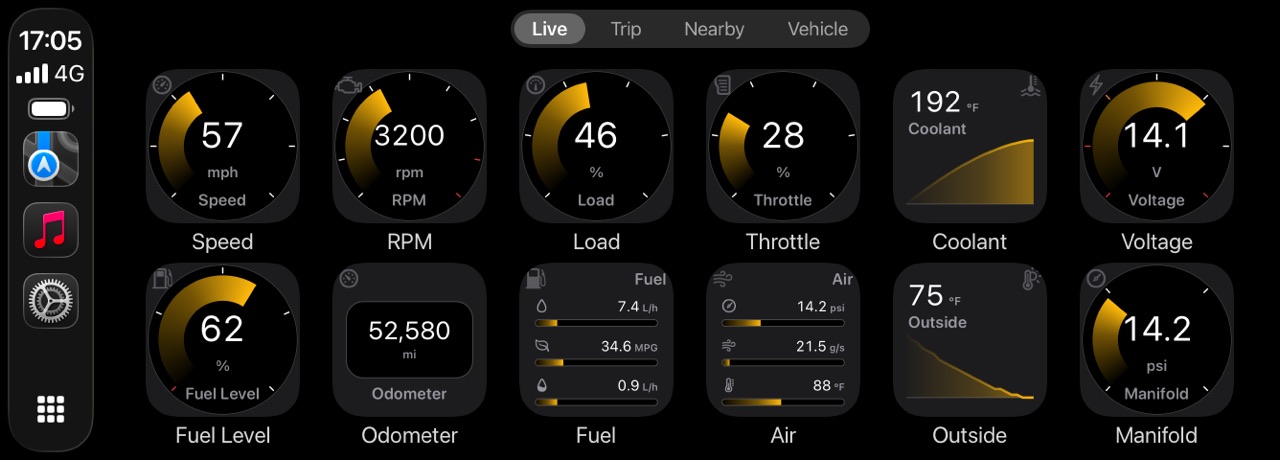
WrenchTime, an iPhone app that logs a car's maintenance, fuel and trips, puts live OBD-II data on CarPlay as a grid of gauges: a tachometer and a speedometer read from the car's own computer, plus readings such as coolant temperature, boost and voltage, with an alert on the car's screen when a reading turns critical.
While a trip records, WrenchTime's Live Activity sits on the CarPlay Dashboard beside the map. The gauges need a Bluetooth OBD-II adapter, a small plug-in reader for the car's diagnostic port, and WrenchTime Pro; how it compares with other OBD apps is in CarPlay gauges compared.
Drive Weather with Live Radar shows the weather alongside turn-by-turn directions on CarPlay's split screen, according to its App Store listing.
For picks in each category, see the best CarPlay apps by category; to put any of these on the car's screen, see how to add an app to CarPlay.
| Category | App | What it shows on CarPlay |
|---|---|---|
| EV charging | PlugShare | Nearby charging locations, bookmarks and planned trips |
| Parking | SpotHero | Nearby parking with prices, booking, navigation and the parking pass |
| Voice-based conversational | ChatGPT | A voice chat, started new or resumed from a recent chat or project |
| Live car data | WrenchTime | Live OBD-II gauges, critical alerts and the trip Live Activity |
| Weather | Drive Weather with Live Radar | Weather beside turn-by-turn navigation on split screen |
Sources: PlugShare, SpotHero, OpenAI Help Center, WrenchTime, Drive Weather with Live Radar.
Video waits for the parking lot, but the car's own data is useful while you drive. WrenchTime draws live OBD-II gauges on CarPlay, lists your recent drives and shows what is due next. It is free to download with 1 vehicle and 3 entries a month, and the CarPlay tabs are part of WrenchTime Pro.
WrenchTime's CarPlay gauges need an iPhone on iOS 26 or later, a car with CarPlay and a Bluetooth OBD-II adapter. What each tile shows is in the OBD-II app for CarPlay guide.
Yes, when the car is parked and supports the video-in-car feature. Start a video in an app that supports AirPlay, tap AirPlay and choose the CarPlay display. Apple's guide says you can play videos when you're not driving, and if the car reports video is unavailable, it plays as audio only.
Apple's page describes sending a video to the CarPlay display over AirPlay, not mirroring the screen. Park, connect to CarPlay, start the video, tap AirPlay and pick the CarPlay display. Other apps reach CarPlay through their own CarPlay versions, in the app categories Apple supports.
Any app that supports AirPlay can send video to a supported car while parked, and with iOS 27 apps can add a native CarPlay video app. APTV, which opened YouTube in a browser on any CarPlay screen, lost that feature in October 2026; Carvia's listing still offers a car-screen browser and mirroring.
Usually the car is moving, the car lacks the video-in-car feature, or the app does not support AirPlay. Apple publishes no list of compatible cars, according to Engadget, and the car can switch video to audio only at any time.
No. When the car indicates video is not available, CarPlay switches the video to audio only. NHTSA's 2012 proposed distraction guidelines name video not related to driving as a task that interferes with driving, and Florida, for example, bars video entertainment in the driver's view while moving.
MacRumors and Engadget report that AirPlay video to CarPlay first arrived with iOS 26.4; Apple's own pages state no version. Native CarPlay video apps come with iOS 27, according to Apple's WWDC26 session. Either way, the car must support the video-in-car feature.
More from the blog
CarPlay
The best CarPlay apps for iPhone for navigation, music, radio, podcasts, audiobooks, messaging, EV charging, parking, food, weather, AI and car tools, the free ones, and how widgets reach the car.
CarPlay
How to add an app to CarPlay from the iPhone, why some apps never show up and how to fix it, plus widgets, removing and reordering icons.
CarPlay
How to see live OBD2 readings such as RPM, boost and coolant temperature on CarPlay, why most apps show a list, which apps draw gauges, and which adapters work with iPhone.

Free to download. One vehicle, real features, no ads. Your garage will thank you.
Download WrenchTime on the App Store