Diagnostics
What is the best OBD2 app for iPhone?
Six OBD2 apps for iPhone compared on price, adapter, readiness, Mode 06, manufacturer modules, CarPlay and logs, from what each developer states.
OBD2 scanners
The OBD2 scanner to buy for an iPhone is a Bluetooth Low Energy (BLE) adapter, or a classic Bluetooth adapter certified through Apple's MFi program for the app you will use: Apple lets apps talk to BLE accessories directly, while a classic Bluetooth accessory needs MFi. A BLE adapter such as the Vgate iCar Pro 2S, listed at $37.99, plus an app reads codes and live data. A handheld code reader such as the Autel AutoLink AL329, listed at $49.95, needs no phone, and an all-systems tablet such as the Autel MaxiCheck MX900, listed at $559.00, adds bi-directional tests. Prices as listed by the makers on November 17, 2026.
An OBD2 scanner for iPhone works when it uses a radio an iPhone app is allowed to reach. Apple's Technical Q&A QA1657 says Bluetooth Low Energy accessories are not required to be MFi compliant and that apps talk to them through Core Bluetooth. The same document says the framework apps use for other wireless accessories only sees accessories developed under Apple's MFi licensing program.
In practice that splits Bluetooth OBD2 adapters in two. A Bluetooth Low Energy (BLE) adapter, sold as Bluetooth 4.0 or later, works with any iPhone app that supports BLE. A classic Bluetooth adapter works only if its maker certified it through MFi; Apple's MFi FAQ lists accessories that use only Bluetooth Low Energy as outside the program, and lists the iAP2 accessory protocol as MFi technology. A classic Bluetooth adapter without MFi, often sold for Android, stays invisible to iPhone apps even if it shows up in Settings.
Most of these adapters speak the ELM327 command set, so one adapter works with many apps. The Car Scanner iOS help sums up the Bluetooth side: iPhones work with Bluetooth 4.0 adapters, and older ones are not supported. The table compares the five ways an OBD2 tool can reach a car and an iPhone.
| Connection | Works with an iPhone? | How you connect | Why it matters |
|---|---|---|---|
| Bluetooth Low Energy (Bluetooth 4.0 or later) | Yes, with any app that supports BLE | Inside the app; not in iPhone Settings | Apple lets apps reach BLE accessories without MFi certification |
| Classic Bluetooth with MFi (such as the OBDLink MX+) | Yes, with the apps that support that adapter | Pair once in Settings > Bluetooth, then open the app | MFi is how a classic Bluetooth accessory becomes visible to an iPhone app |
| Classic Bluetooth without MFi (often sold for Android) | No | Not reachable from an iPhone app | Apple's accessory framework only sees accessories that identify as MFi |
| Wi-Fi | With some apps | Join the adapter's Wi-Fi network in Settings first | The adapter's network has no internet access |
| Cable to a handheld reader | No phone needed | Plug into the car's OBD2 port | The reader has its own screen and buttons |
Sources: Apple QA1657, Apple MFi FAQ, Car Scanner iOS help, accessed November 17, 2026.
A code reader reads and clears trouble codes; an OBD2 scanner usually adds live data; a scan tool is the workshop name for a tool that reaches modules beyond the engine and can command parts to move. On a store shelf the words overlap, so the useful split is by what does the reading and where the result is shown.
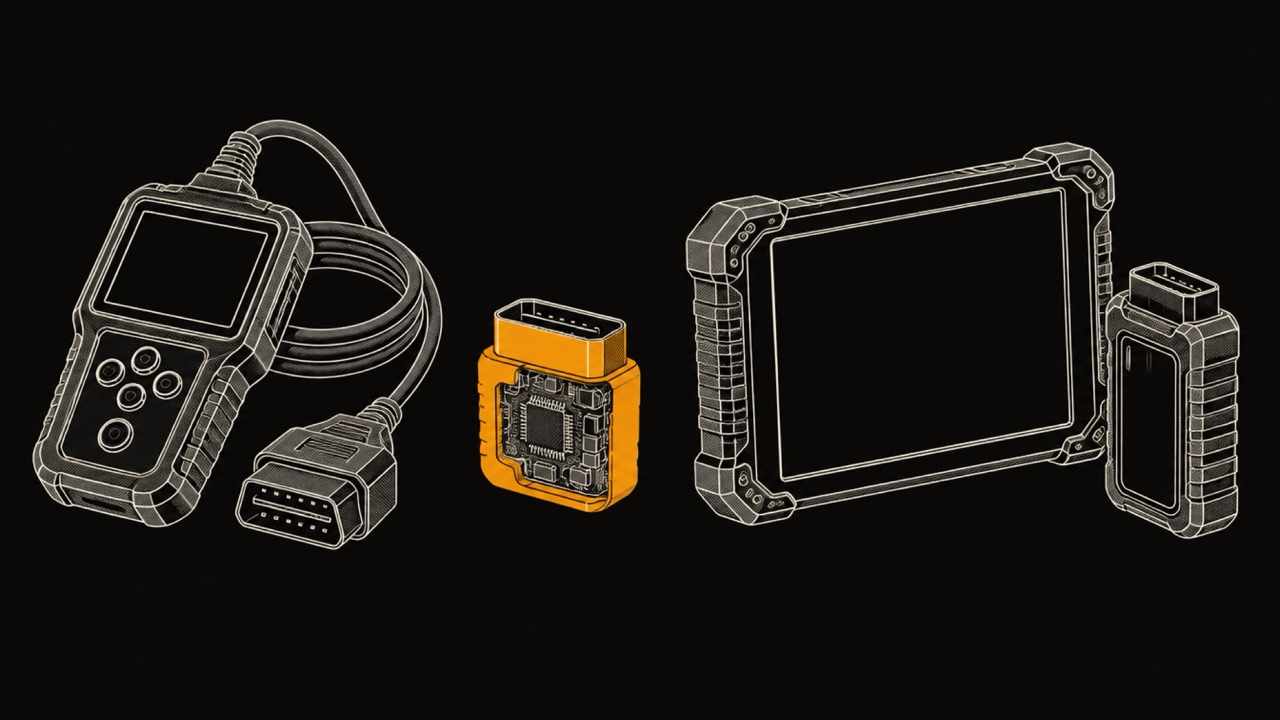
There are four kinds an iPhone owner chooses between: a handheld code reader with its own screen, a Bluetooth adapter that turns an app into the scanner, a sensor sold together with its maker's own app, and an all-systems tablet with bi-directional control, which means it can command a component, such as a fan or a valve, and watch the result.
The prices below are those the makers listed on their own US sites on November 17, 2026. Autel, Vgate, OBDLink, BlueDriver and FIXD are trademarks of their respective owners. WrenchTime is not affiliated with, sponsored by or endorsed by any of them.
| Type | What it reads | Needs a phone? | Example and maker price | Why it matters |
|---|---|---|---|---|
| Handheld code reader | Engine codes, freeze frame, readiness, basic live data | No | Autel AutoLink AL329, $49.95 | Works the same in any car, with no app or account |
| Bluetooth LE adapter and an app | Whatever the app reads: codes, readiness, live data | Yes | Vgate iCar Pro 2S, $37.99 | The cheapest hardware; the app decides the features |
| MFi classic Bluetooth adapter and an app | Whatever the app reads; the maker's app adds manufacturer codes | Yes | OBDLink MX+, $139.95 | Classic Bluetooth that an iPhone app can use |
| Sensor with its own app | Whatever the maker's app reads | Yes | BlueDriver, FIXD | One company supports the sensor and the app |
| All-systems tablet with bi-directional control | Every module the tool supports, active tests, service functions | No | Autel MaxiCheck MX900, $559.00 | Commands components to test them, for repairs at home |
Prices: Autel, Vgate, OBDLink, Autel MX900, as listed on November 17, 2026.
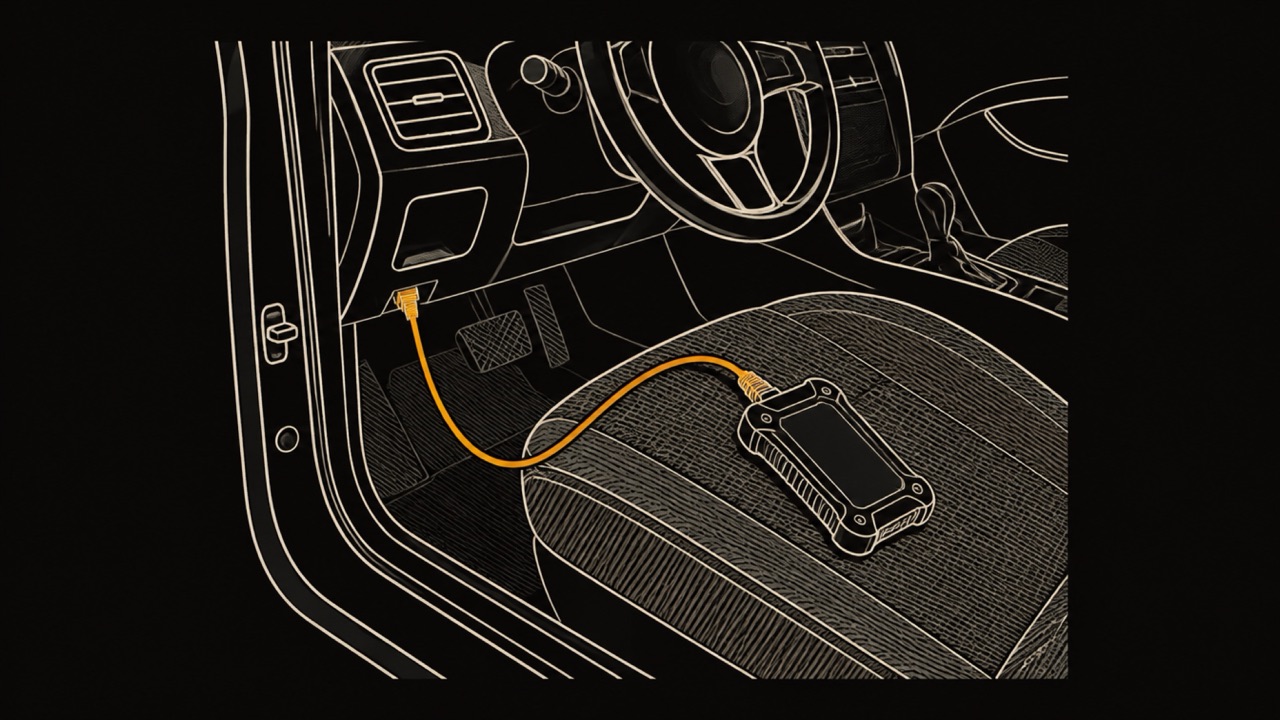
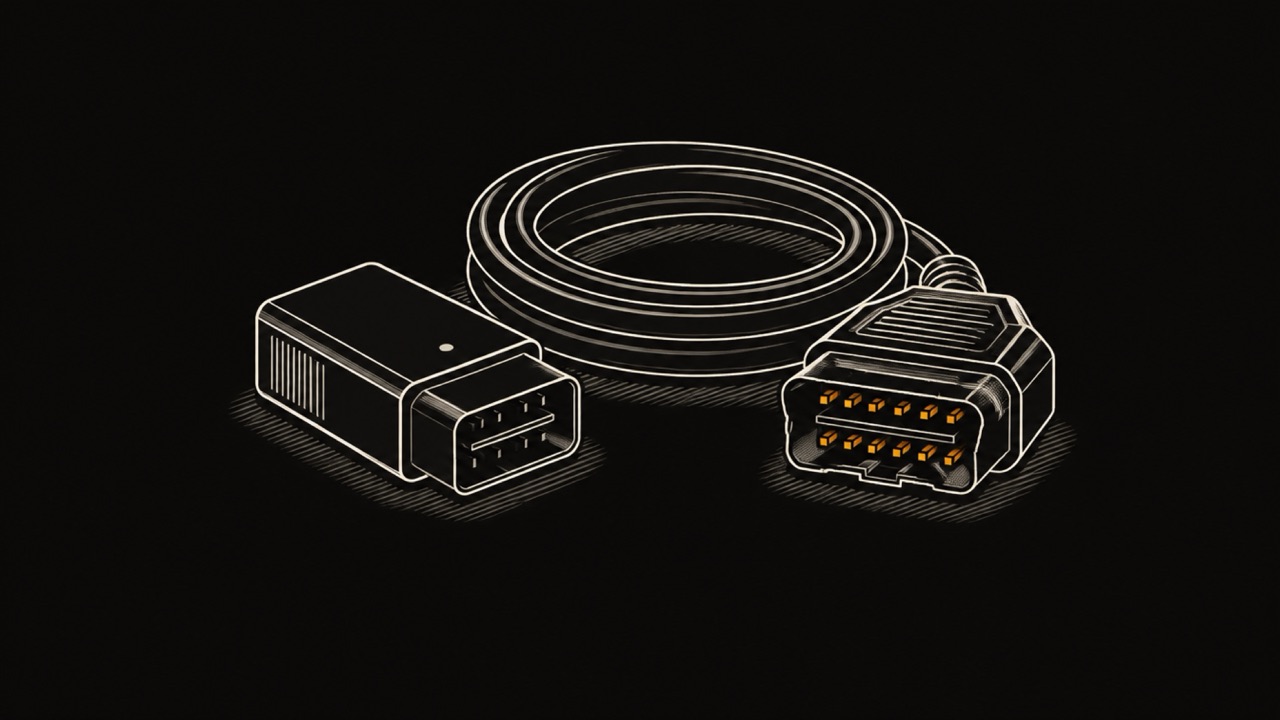
A handheld code reader is the simplest OBD2 tool: it plugs into the port with its own cable and shows the result on its own screen. Nothing to pair, no app to install, no account. It suits a glovebox, a second car or a family member who does not want another app.
Autel's AutoLink AL329 is a typical example: it reads and clears current, pending and permanent engine codes, shows the freeze frame and live data, and has a one-touch check of the readiness monitors an emissions test looks at. Autel listed it at $49.95 on November 17, 2026, for 1996 and newer vehicles.
The limit is the screen. A small display shows a code and a short description; a dated history of scans and charts of a drive are what a phone app adds. The routine for any reader, handheld or Bluetooth, is in how to use an OBD2 scanner.
A Bluetooth Low Energy adapter is the most flexible OBD2 scanner for iPhone: a small plug that stays in the port while the app on the phone does the reading. Because the app decides the features, the same adapter can read codes in one app and draw live gauges in another. Veepeak says apps for its BLE adapter cost from free to about $10, with some advanced apps on subscription.
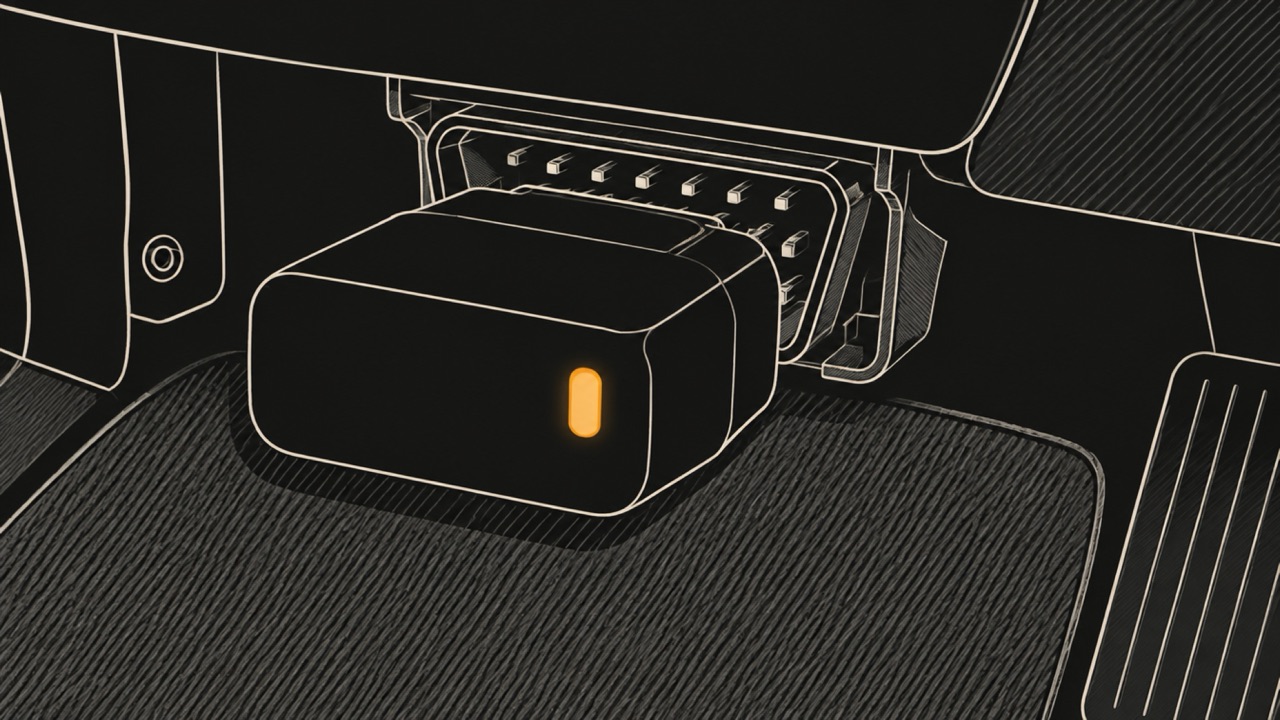
A BLE adapter is connected from inside the app, not from iPhone Settings. Veepeak tells iPhone owners not to pair its OBDCheck BLE+ in iOS Bluetooth Settings, and Vgate says the iCar Pro 2S needs no pairing on iOS. Vgate listed the iCar Pro 2S at $37.99 on November 17, 2026, and lists automatic sleep and wake-up.
WrenchTime, an iPhone app that keeps a car's maintenance, fuel and trip log, is one of the apps that read a Bluetooth LE ELM327 adapter. Its live data is free and recorded with each trip, and trouble codes, readiness monitors and the freeze frame are in WrenchTime Pro. Which adapters were tested on a real car is in OBD-II adapters for iPhone, and the apps are compared in the best OBD2 apps for iPhone.
An MFi adapter uses classic Bluetooth and is certified through Apple's MFi program, which is what lets an iPhone app see a classic Bluetooth accessory at all. The OBDLink MX+ is the common example: OBDLink lists it for iPhone and iPad on iOS 9.0 or later, over Bluetooth v3.0, at $139.95 on November 17, 2026.
An MFi adapter is paired once in iPhone Settings, then opened from an app that supports it. OBDLink says its app and its Windows software read and erase both generic and manufacturer-specific trouble codes with the MX+. OBDLink lists the iAP2 profile for it, the accessory protocol that Apple's MFi FAQ names as MFi technology. Other apps support it too; how it is set up in WrenchTime is in the OBDLink adapters guide.
Before buying a different MFi adapter, check that the app you want names it. Certification belongs to the adapter and the apps its maker works with, not to every app on the App Store.
Some Bluetooth OBD2 scanners are sold as a pair: a sensor and the maker's own app, designed together. BlueDriver and FIXD work this way. The maker's app is built around its own sensor, and one company answers for both halves.
The trade-off is that the sensor is meant for its own app. What each one costs, which cars it reads and how it compares with an app that uses an adapter you choose is in BlueDriver vs WrenchTime and FIXD vs WrenchTime.
An all-systems scan tool reads modules beyond the engine and adds bi-directional control: it can switch on a fan, cycle a valve or run a service routine and show the result. That is a repair tool, and it comes with its own screen rather than relying on the phone.
Autel's MaxiCheck MX900 is an example: an 8-inch corded touchscreen tablet that Autel describes as an all-systems scanner performing bi-directional active tests and special functions on 1996 and newer vehicles, listed at $559.00 on November 17, 2026. For reading a check engine light, it is more tool than most owners need.
Some do, with the apps that support Wi-Fi, but they behave differently from Bluetooth. A Wi-Fi OBD2 adapter acts as its own Wi-Fi access point, and the iPhone has to join that network in Settings before the app can connect, according to the Car Scanner iOS help.
The adapter's network does not provide internet access, and the same help page notes that iOS may show it as connected while it has none. The same help page suggests setting the network's IP address by hand when iOS misbehaves. For an iPhone a Bluetooth Low Energy adapter avoids the problem, and some apps, WrenchTime included, do not read Wi-Fi adapters at all.
Read the listing for the radio, not for the word iPhone alone. These five checks catch nearly every adapter that will not connect.
Any OBD2 scanner reads the generic engine and emissions diagnostics of a car that has OBD2. The California Air Resources Board requires OBD II on all 1996 and newer gasoline and alternate fuel passenger cars and trucks, and on 1997 and newer diesel ones.
What varies is everything beyond the engine. ABS, airbag, transmission and body modules speak each maker's own language, so a tool reads them only if it supports that make, and only some apps and scan tools do. If the check engine light is flashing, CARB says a malfunction is occurring that could damage the catalytic converter; what a flashing check engine light means covers what to do before scanning.
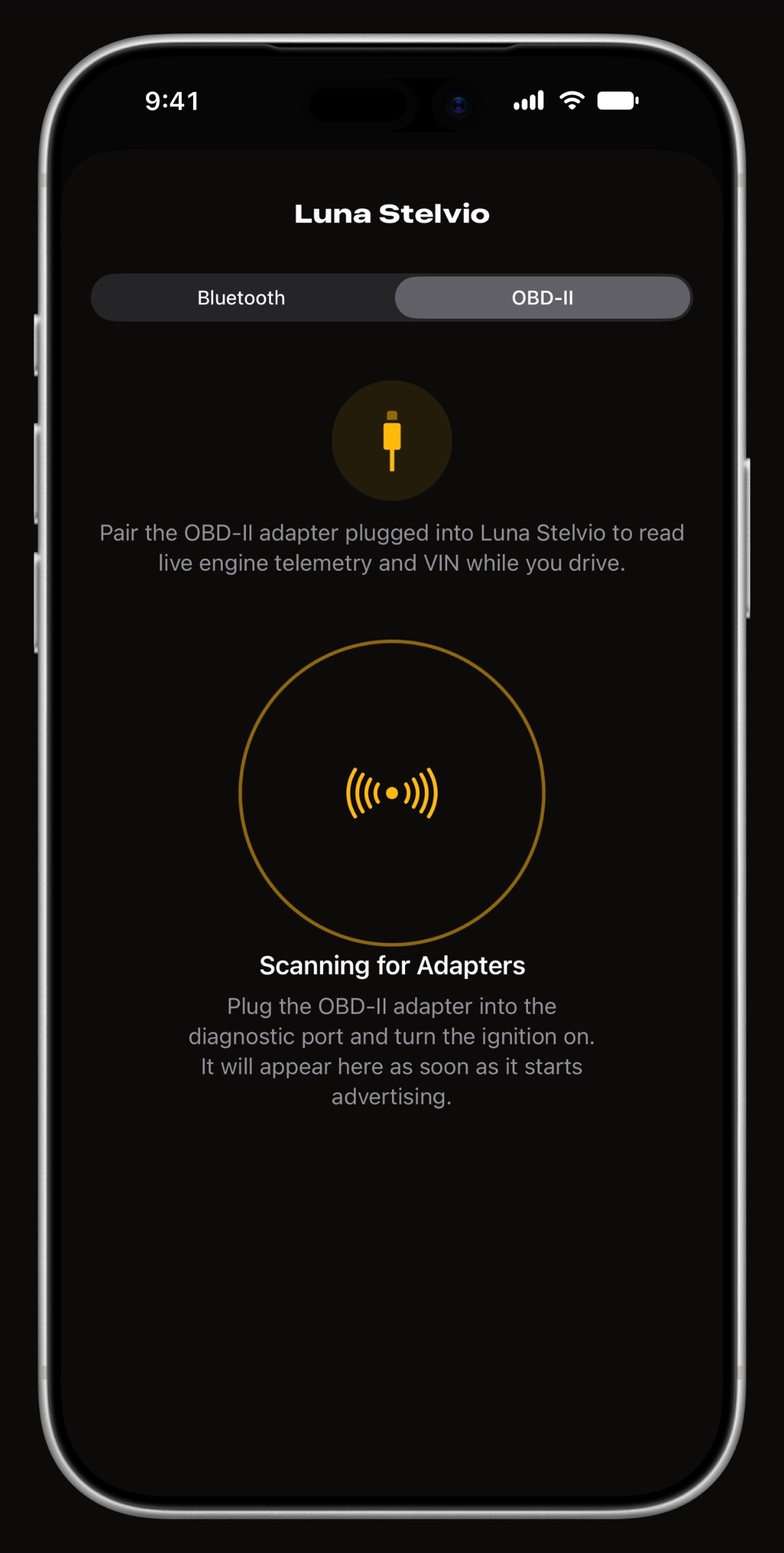
WrenchTime reads any Bluetooth LE adapter that speaks ELM327, plus the Apple-certified OBDLink MX+, and keeps what it reads with the car it belongs to: live data recorded with each trip, and with WrenchTime Pro the trouble codes, readiness monitors and freeze frame, saved with the date and odometer of every scan. Codes are cleared only with the engine off. It does not read Wi-Fi adapters or manufacturer modules such as ABS.
A demo mode runs every OBD screen with a simulated adapter, so you can see them before buying one. The free version covers 1 vehicle. The tested adapters are in OBD-II adapters for iPhone, and the code reader in the OBD-II code reader for iPhone guide.
The best OBD2 scanner for iPhone is one that uses Bluetooth Low Energy, or an MFi adapter certified for your app, matched to the job: a BLE adapter and an app for live data, a handheld code reader for codes without a phone, and an all-systems tablet for repairs with bi-directional tests.
Bluetooth Low Energy OBD2 scanners work with any iPhone app that supports BLE, and MFi-certified classic Bluetooth adapters work with the apps that support them. A classic Bluetooth adapter without MFi, often sold for Android, is not visible to iPhone apps.
A Bluetooth Low Energy OBD2 adapter is connected from inside the app, not from iPhone Settings. Veepeak and Vgate both tell iPhone owners to open the app and connect there. Only a classic Bluetooth MFi adapter, such as the OBDLink MX+, is paired once in Settings first.
Some Wi-Fi OBD2 scanners work with iPhone apps that support Wi-Fi. The iPhone has to join the adapter's own Wi-Fi network first, and that network has no internet access while you scan. A Bluetooth Low Energy adapter avoids this.
Any OBD2 scanner reads the engine and emissions codes of gasoline cars and trucks from model year 1996 and diesels from 1997, the years the California Air Resources Board requires OBD II. ABS, airbag and other modules need a tool or app that supports your make.
A code reader reads and clears trouble codes; an OBD2 scanner usually also shows live data and readiness. A scan tool goes further, reading modules beyond the engine and commanding components with bi-directional tests. Store listings use the three names loosely, so check what each one actually reads.
More from the blog
Diagnostics
Six OBD2 apps for iPhone compared on price, adapter, readiness, Mode 06, manufacturer modules, CarPlay and logs, from what each developer states.
Diagnostics
Plug in with the ignition off, switch to on without starting the engine, read and write down every code, and look each one up before clearing anything.
App comparison
What the BlueDriver app does, what it costs and which cars it covers, and how it compares with FIXD, Car Scanner and WrenchTime on iPhone.
Free to download. One vehicle, real features, no ads. Your garage will thank you.
Download WrenchTime on the App Store