Diagnostics
Is Torque Pro available for iPhone?
Torque Pro is an Android app with no iPhone version; the App Store apps that use its name come from other developers. Four iPhone apps to use instead, and which to choose for what.
App comparison
OBD2AA (OBD2 for Android Auto) is a plugin for the Android app Torque Pro, by Emil Borconi-Szedressy, that shows Torque's OBD-II gauges and speed camera warnings on an Android Auto screen. XDA Labs, which sold it, closed in 2020 and its Play listing was a placeholder, so drivers sideload it. On iPhone there is no OBD2AA: OBD Fusion lists readings on CarPlay as text, iE POWERlink draws gauges for cars with an iE tune, and WrenchTime draws a gauge grid for any car on standard OBD-II (Pro).
I build WrenchTime, an iPhone app that shows OBD-II gauges on CarPlay, so read this knowing that. OBD2AA, Torque Pro, Android Auto, Android Auto Apps Downloader, Google Play, XDA, Apple, CarPlay, OBDLink, OBD Fusion, Car Scanner ELM OBD2, Integrated Engineering and POWERlink are trademarks of their respective owners. WrenchTime is not affiliated with, sponsored by or endorsed by any of them. Every claim about OBD2AA below links its source and was checked on 22 October 2026.
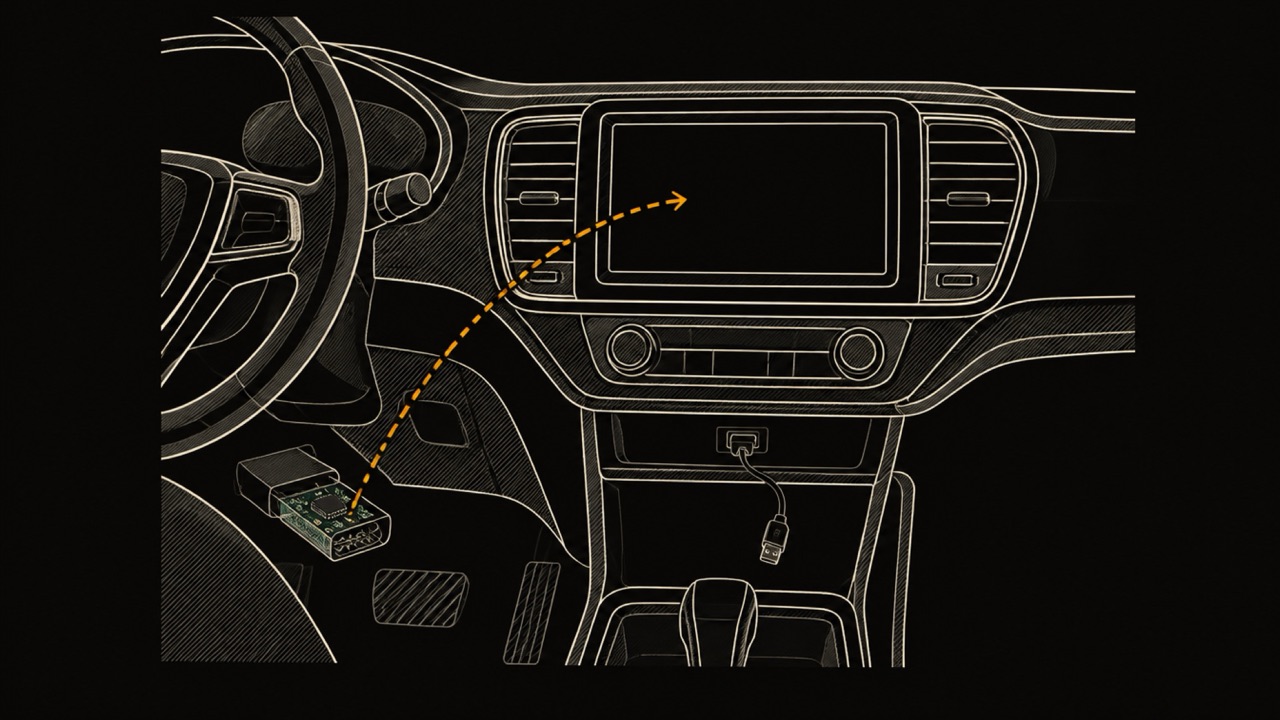
OBD2AA, short for OBD2 for Android Auto, is a plugin for Torque Pro, the Android OBD-II app by Ian Hawkins. Torque Pro reads the car through an OBD-II adapter; OBD2AA takes the readings Torque already has and draws them on the car's Android Auto screen. The project's README on GitHub also lists speed camera warnings and street card info.
OBD2AA is the work of Emil Borconi-Szedressy: the README carries his copyright, dated 2017 in Wakefield, United Kingdom, and calls it a commercial application, not free software, to be bought from the XDA Labs store. The last version mirrored by APKPure is 3.6a, dated 29 March 2024, for Android 5.0 or later.
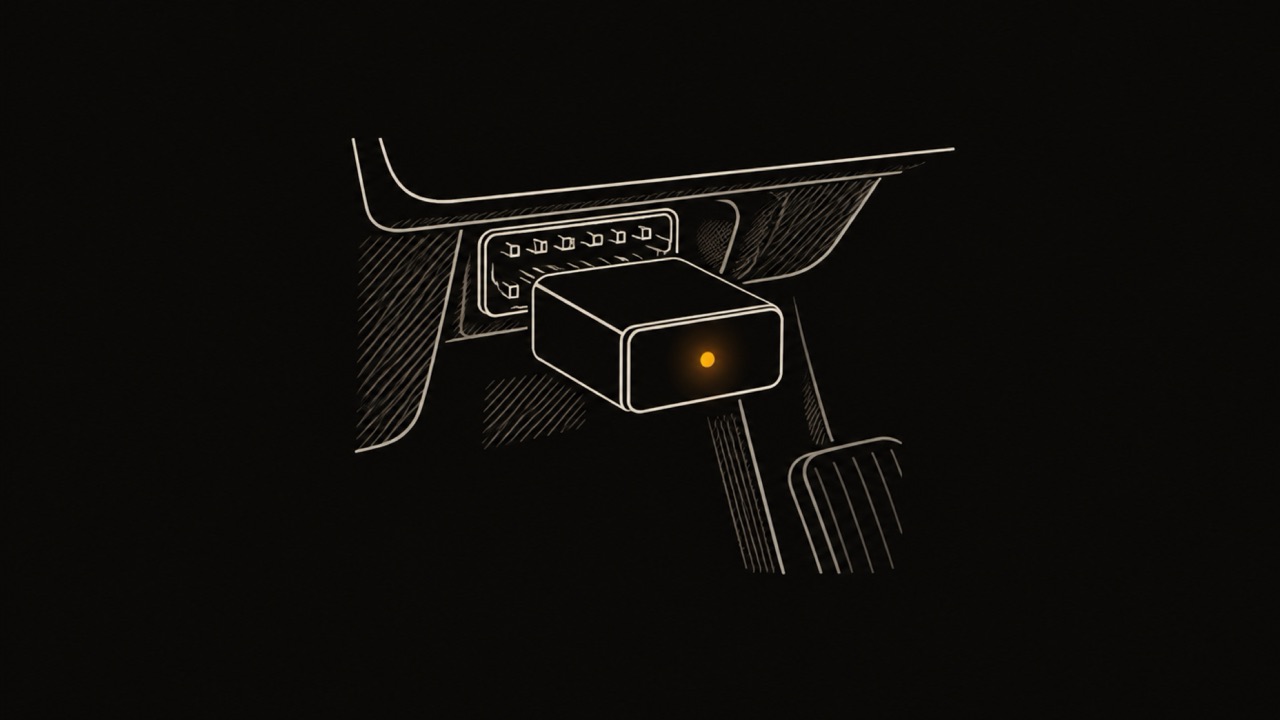
OBD2AA does not talk to the adapter on its own. Torque Pro does that, so OBD2AA needs Torque Pro installed and connected. Torque Pro costs $4.95 in the US on Google Play, checked on 22 October 2026.
Android Auto only accepts apps in set categories. Google's car app quality page, last updated 14 September 2026, lists media, messaging, calling, navigation, point of interest, Internet of Things, weather and games for Android Auto. A live engine gauge display fits none of them, so a Play Store app cannot put Torque's gauges on the car's screen the way OBD2AA does.
The OBD2AA package on Google Play said as much. Its listing, as mirrored by APKPure, read: "OBD2 Torque Pro plugin for Android Auto. This is just a placeholder for when 3rd party apps will be allowed. This app does NOTHING." On 22 October 2026 the Google Play page for that package returned a 404 error.
The working app was sold through XDA Labs, the app store of the XDA Developers forum. XDA announced on 31 December 2020 that "XDA Labs has been shut off and there are no current plans for further development." Since then OBD2AA has circulated as an APK file on mirror sites and forum threads, which is what most of the search results for OBD2AA are.
Installing OBD2AA means sideloading: putting an app on the phone from an APK file instead of from Google Play, then telling Android Auto to show apps that did not come from Play. The steps below come from BGR's 14 July 2026 guide to sideloading Android Auto apps and from an owner's walkthrough on the InsideEVs forum in January 2020.
Not through Google Play's normal route. The categories on Google's car app quality page cover media, messaging, calling, navigation, points of interest, Internet of Things, weather and games, with nothing for engine data. An OBD2 app on an Android phone, Torque Pro included, can show its gauges on the phone itself, and a sideloaded plugin such as OBD2AA is what put Torque's gauges on the Android Auto screen.
Some cars run Android Automotive OS, Google's operating system built into the car rather than projected from a phone. That is a different platform with its own app categories on the same Google page, and OBD2AA is an Android Auto plugin, not an Android Automotive app.
A sideloaded app gets no updates from a store, and OBD2AA has had no store since XDA Labs closed in December 2020. An APK from a mirror site is not checked by Google Play, so the copy you download is only as trustworthy as the site it came from.
Android Auto itself can change. BGR warns that future Android updates "could always potentially remove or block access" to sideloaded Android Auto apps, that such apps may malfunction, and that the setup is aimed at advanced users, with some phone brands needing extra fixes. An owner on the InsideEVs forum wrote in January 2020 that the XDA page's instructions for starting Android Auto's developer mode were incorrect, and that tapping the version info ten times was what worked.
OBD2AA and Torque Pro are Android apps, and Torque Pro has no iPhone version. CarPlay works differently from Android Auto here: Apple's CarPlay developer page lists driving task apps among the app types it accepts, next to audio, navigation, EV charging and fueling, so an iPhone OBD-II app can draw its gauges on the car's screen from the App Store, with no plugin and no developer settings.
Three iPhone apps on this page put OBD data on CarPlay, each differently. OBD Fusion, $9.99, shows "vital driving information in a list", and its App Store page says its dashboards cannot be shown on CarPlay. iE POWERlink draws live gauges there but requires Integrated Engineering's POWERlink V4 dongle, $184.99, and an iE or Xodus tune.
Car Scanner ELM OBD2, free with Pro at $7.99 once, has configurable dashboards on the phone and does not mention CarPlay. All three pages were checked on 27 October 2026.
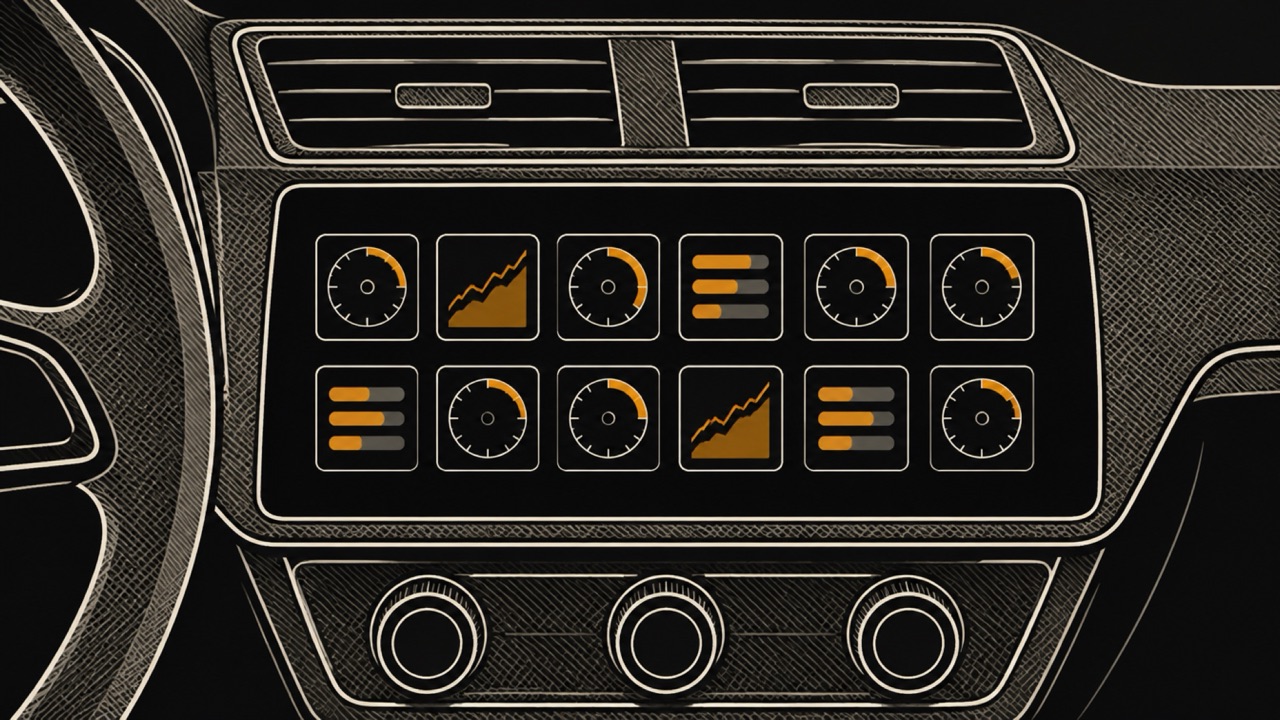
WrenchTime is an iPhone app for car and motorcycle maintenance, fuel, trips and live OBD-II data. With a Bluetooth LE ELM327 adapter or the Apple-certified OBDLink MX+ and WrenchTime Pro, its CarPlay Live tab is a grid of gauges you lay out per vehicle, read from any car that answers standard OBD-II, over wired or wireless CarPlay. ELM327 is the chip, or its clone, inside most inexpensive OBD-II adapters.
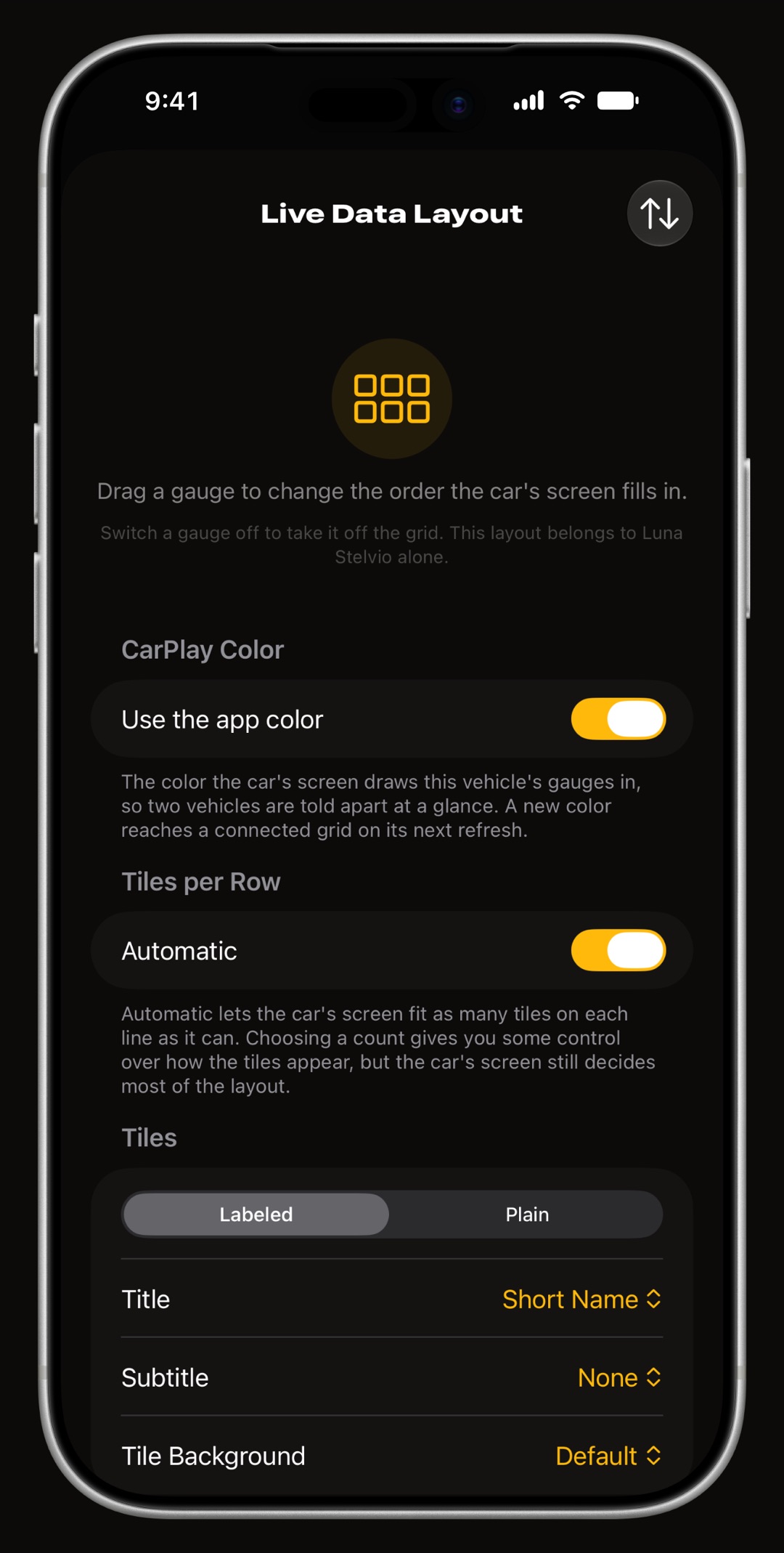
Each tile is a ring with caution and critical bands, a short graph of recent values or a plain number, and a row holds three to eight tiles. The tachometer and the speedometer read the car's own computer, not GPS, and boost, coolant temperature, voltage, fuel rate or a custom PID can be a tile. The grid is redrawn twice a second by default, and a reading that turns critical raises an alert on the car's screen.
One difference from OBD2AA: there are no speed camera warnings in WrenchTime. The OBD2 app for CarPlay guide covers the layout and the alerts, and how CarPlay gauges work across apps compares what other iPhone apps show on CarPlay.
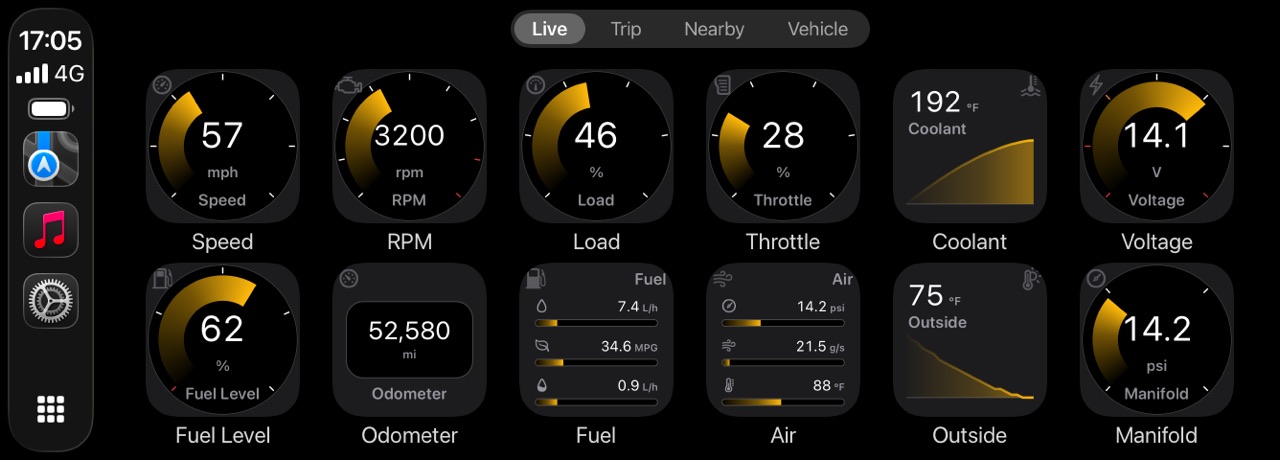
The table compares OBD2AA, as its own README and listing describe it, with WrenchTime on CarPlay. Which adapters work with an iPhone is on the OBD-II adapters for iPhone page: many classic Bluetooth adapters sold for Torque work only with Android.
| Feature | OBD2AA | WrenchTime |
|---|---|---|
| Phone | Android 5.0 or later | iPhone |
| Car screen | Android Auto | CarPlay, wired or wireless |
| Reads the adapter | Through Torque Pro, $4.95 on Google Play in the US | Itself, Bluetooth LE ELM327 or OBDLink MX+ |
| Where you get it | APK, sideloaded with Android Auto's Unknown sources; XDA Labs closed in 2020 | App Store |
| Developer settings needed | Yes, in Android Auto | No |
| Gauges | Torque data on the Android Auto screen | Grid of ring, graph or number tiles with caution and critical bands (Pro) |
| Speed camera warnings | Yes, per its README | No |
| Trip log and maintenance | Not listed | Every reading recorded with each trip, plus maintenance and fuel log |
| Design and iPhone integration | Not listed | Native SwiftUI for iOS 26 with Liquid Glass; a trip Live Activity on the Lock Screen, in the Dynamic Island and on the CarPlay Dashboard; 9 widgets, some with Pro; Apple Watch app (Pro) |
Sources: OBD2AA README, APKPure listing, Torque Pro on Google Play, XDA; WrenchTime's own documentation.
Pick by the phone you carry and what the car runs. Each line is the need that app suits, WrenchTime included.
Of the iPhone apps on this page, WrenchTime is the one that draws a grid of OBD-II gauges on CarPlay for any car that answers standard OBD-II, with no tune and no proprietary cable. OBD Fusion's CarPlay screen is a list, iE POWERlink's gauges need its V4 dongle and an iE or Xodus tune, and Car Scanner's page does not mention CarPlay (checked 27 October 2026).
It is also the one with a CarPlay tab of fuel stations nearby, or chargers for an electric car, and the one that keeps a maintenance, fuel and trip log next to the readings. None of the other three App Store pages mentions either.
I build WrenchTime, so weigh this section knowing that. With WrenchTime Pro its CarPlay Live grid is laid out per vehicle, redrawn twice a second by default, and tapping a tile shows its minimum, maximum and average for the session. While a trip records, its Live Activity sits on the Lock Screen, in the Dynamic Island and on the CarPlay Dashboard beside the map.
OBD2AA's README and listing, checked on 22 October 2026, describe a Torque Pro plugin installed outside Google Play; WrenchTime installs from the App Store and reads the adapter itself, with no plugin, no second app and no developer settings.
On the phone, the WrenchTime Live dashboard draws 18 instrument types on pages you build, free with 3 instruments on its first page, and every reading can be recorded with the trip at one sample per second. With Pro, Vehicle Tools reads trouble codes with the readiness monitors and the freeze frame, and custom PIDs, imported from a catalogue or written with Torque-style byte formulas, become tiles like any other.
WrenchTime is built natively in SwiftUI for iOS 26, using Liquid Glass and the Dynamic Island rather than imitating them. A trip runs as a Live Activity on the Lock Screen and in the Dynamic Island, 9 Home Screen and Lock Screen widgets, some with WrenchTime Pro, keep the log in view, and an Apple Watch app and a permanent iPad sidebar carry it further.
The dark theme is calibrated for OLED, the app takes any of 30 accent themes, and there are no ads on either tier, no account, and sync only through your own private iCloud. CarPlay, the Apple Watch app and the accent themes are part of WrenchTime Pro.
What to remember about OBD2AA and OBD2 gauges on the car's screen, checked on 22 October 2026.
If you moved from Android to iPhone, or never wanted to sideload, WrenchTime reads live OBD-II data for free on the phone over a Bluetooth LE ELM327 adapter or an OBDLink MX+, shows 3 instruments on the WrenchTime Live dashboard on the free tier, and puts the full gauge grid on CarPlay with WrenchTime Pro: £2.99 a month, £14.99 a year with a free trial, or £34.99 once, App Store prices read on 2026-11-05.
The free tier also keeps 1 vehicle with 3 fuel entries and 2 maintenance entries a month. Start with the OBD2 app for CarPlay guide.
OBD2AA, or OBD2 for Android Auto, is a plugin for the Android app Torque Pro that shows Torque's OBD-II gauges, speed camera warnings and street info on an Android Auto screen. It is by Emil Borconi-Szedressy and was sold through XDA Labs, which closed on 31 December 2020.
Not as a working app. Its Play listing described itself as a placeholder for when third-party apps would be allowed on Android Auto, and said the app does nothing. On 22 October 2026 the Play page for the package returned a 404 error, so OBD2AA is installed from an APK.
Open the phone's Settings, Apps, Android Auto, Additional settings, and tap Version ten times to enable developer mode. Then open Developer settings from the three-dot menu and turn on Unknown sources, as BGR described in July 2026. The phone may also need to allow installs from unknown sources.
Yes. OBD2AA is a plugin: Torque Pro reads the car through the OBD-II adapter and OBD2AA draws Torque's data on the Android Auto screen. Torque Pro costs $4.95 on Google Play in the US, checked 22 October 2026, and runs on Android only.
Android Auto has no app category for engine gauges: Google's car app quality page lists media, messaging, calling, navigation, points of interest, IoT, weather and games. An OBD2 app shows its data on the phone, and a sideloaded plugin such as OBD2AA is how Torque's gauges reached the Android Auto screen.
No. OBD2AA and Torque Pro are Android apps. On CarPlay, an iPhone OBD-II app draws the data itself: OBD Fusion as a text list, iE POWERlink as gauges for cars with an iE tune, and WrenchTime, with WrenchTime Pro, as a grid of gauges with caution and critical bands for any car on standard OBD-II.
More from the blog
Diagnostics
Torque Pro is an Android app with no iPhone version; the App Store apps that use its name come from other developers. Four iPhone apps to use instead, and which to choose for what.
CarPlay
How to see live OBD2 readings such as RPM, boost and coolant temperature on CarPlay, why most apps show a list, which apps draw gauges, and which adapters work with iPhone.
Diagnostics
Six OBD2 apps for iPhone compared on price, adapter, readiness, Mode 06, manufacturer modules, CarPlay and logs, from what each developer states.
Free to download. One vehicle, real features, no ads. Your garage will thank you.
Download WrenchTime on the App Store