iPad · iPadOS 26+
Your garage, laid out for the iPad
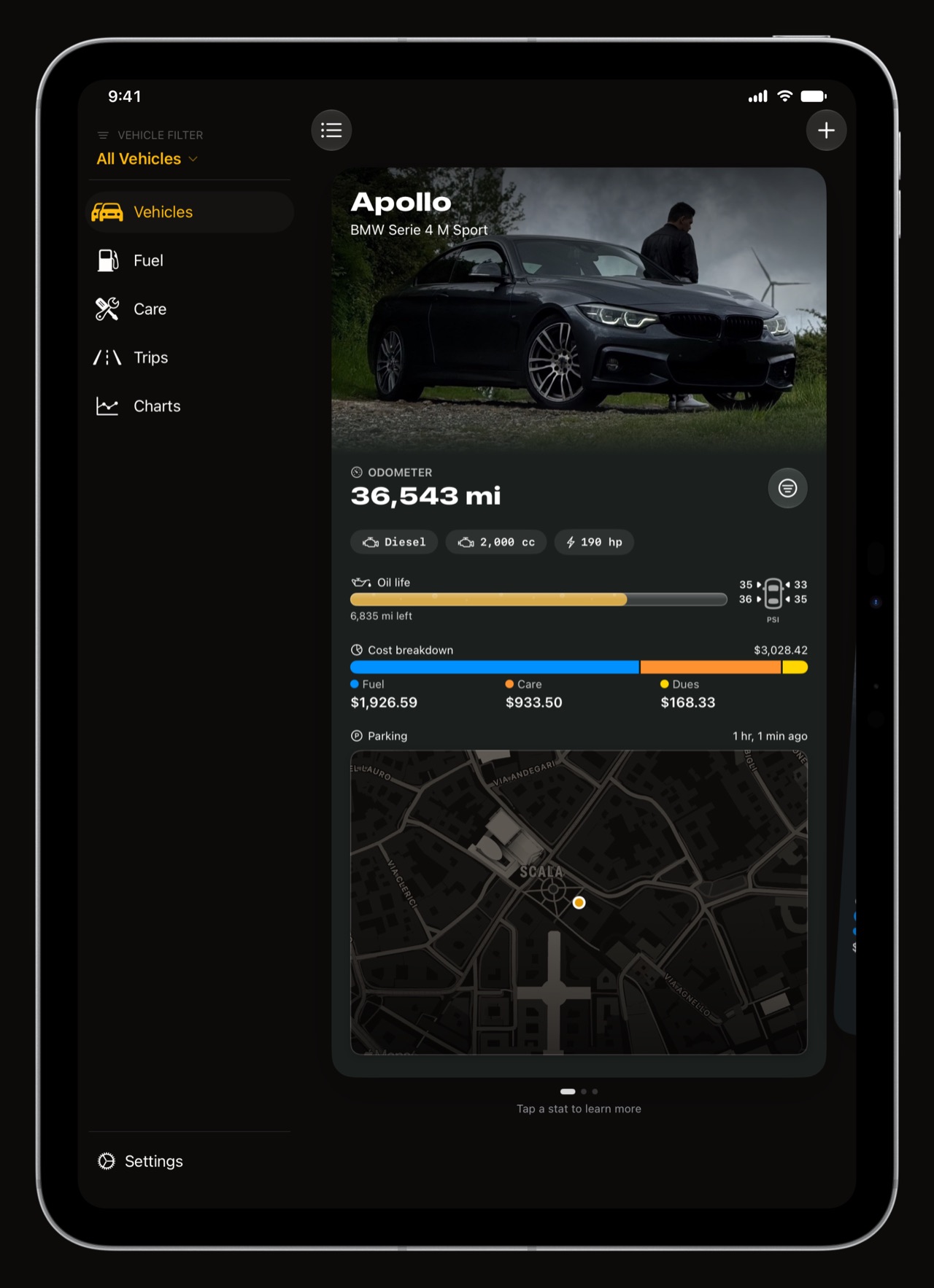
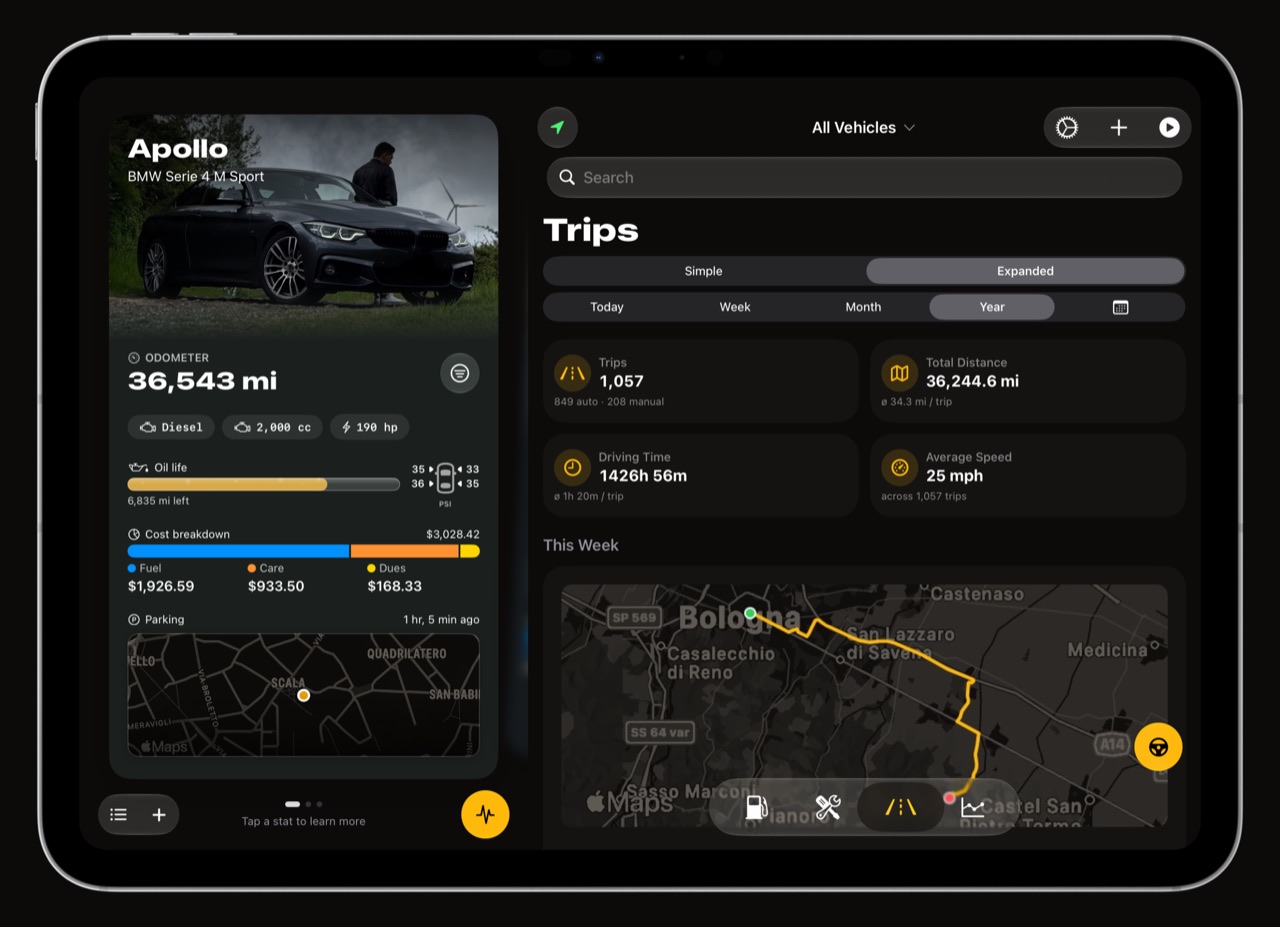
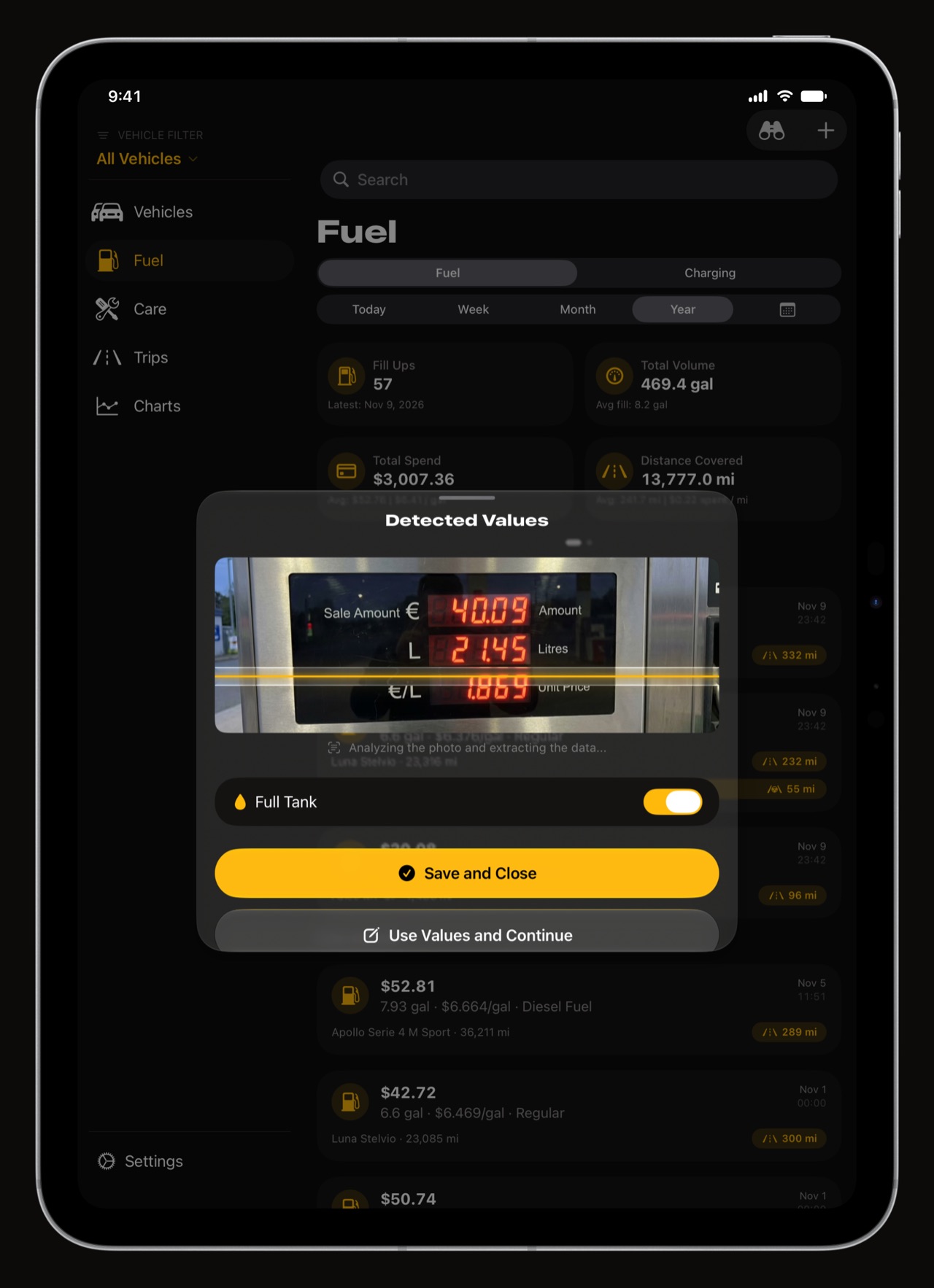
WrenchTime is a maintenance, fuel and trip log for cars and motorcycles that runs on iPad as a native app, not a stretched iPhone screen. In portrait a permanent sidebar holds the vehicle filter, the tabs and Settings; turn the iPad on its side and the app splits into two panes, your vehicle on the left and Fuel, Care, Trips or Charts on the right. Charts sit two or three to a row, a trip opens with its map down one side, and with iCloud Sync everything you log on your iPhone is already there.
What does WrenchTime look like on iPad?
Two layouts, chosen by how you hold it. In landscape Vehicles stays on the left, with the car's photo, odometer, oil life, tyre pressures, costs and parking spot, while the other tabs fill the right. In portrait a permanent sidebar carries the vehicle filter, every tab and Settings, so nothing is more than one tap away.
- Two panes in landscape the vehicle beside the log, never hidden behind it.
- A sidebar in portrait vehicle filter, tabs and Settings, always on screen.
- Every orientation the app turns with the iPad and keeps your place.
What does the rest of the app look like on iPad?
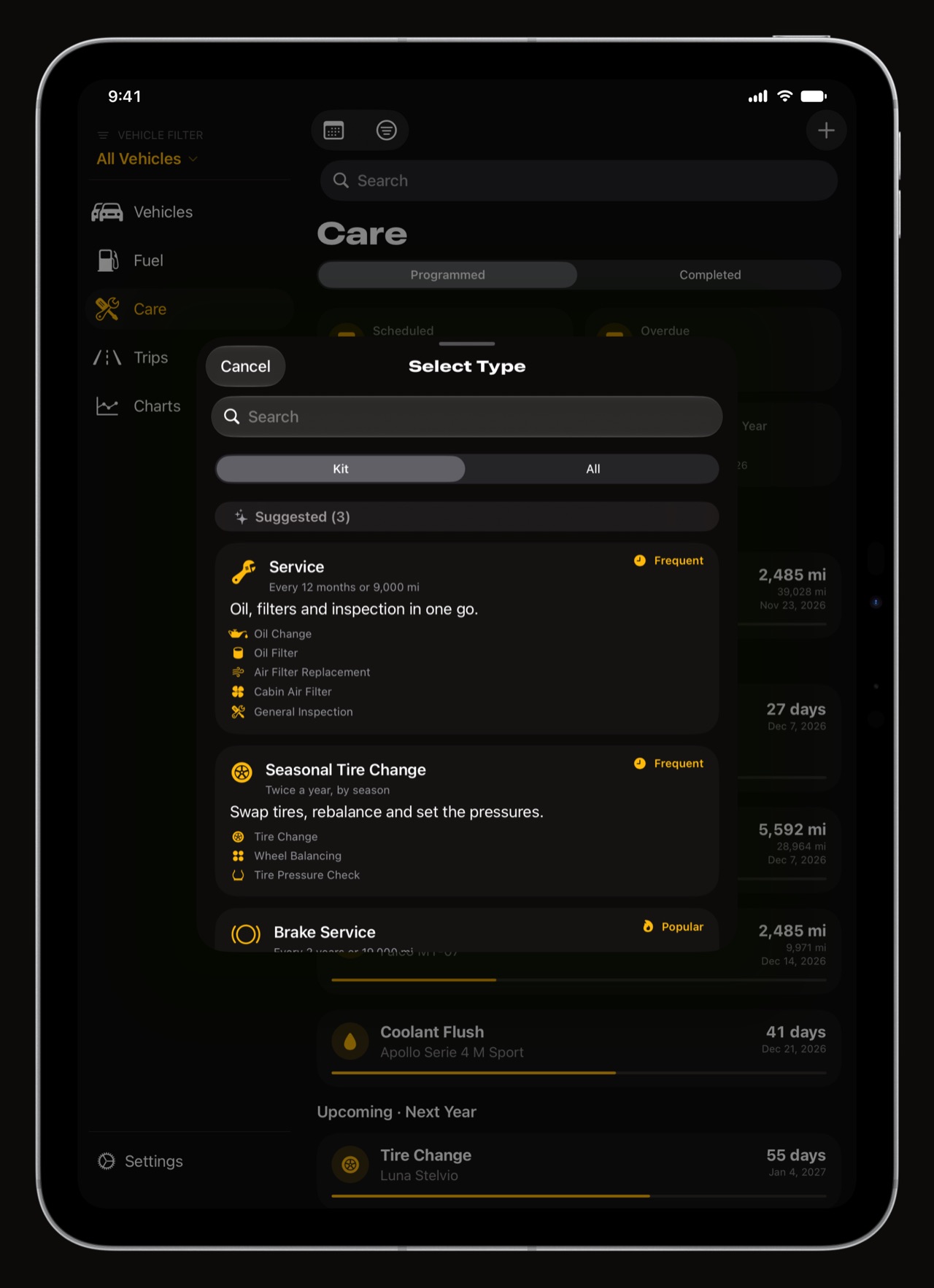
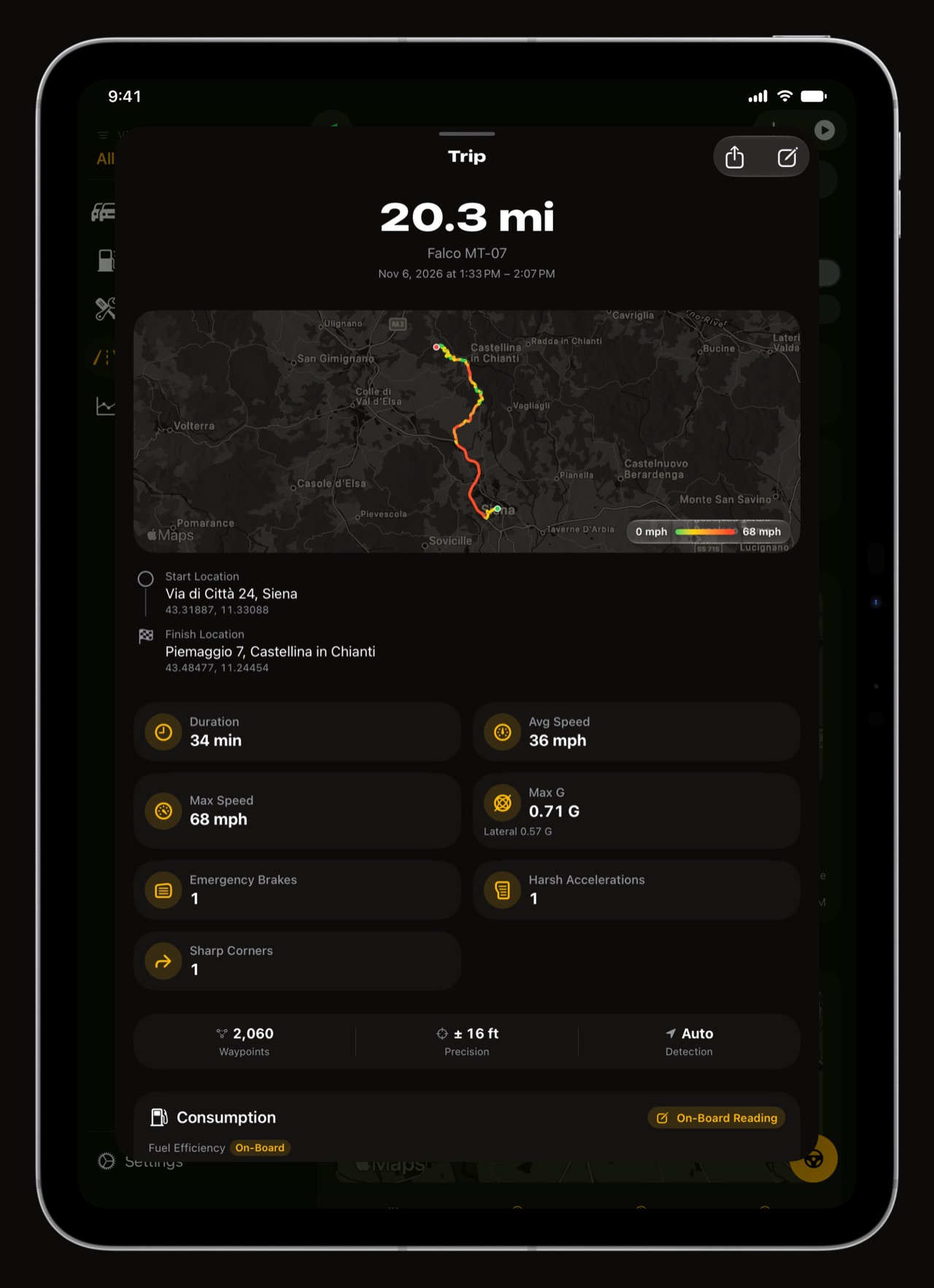
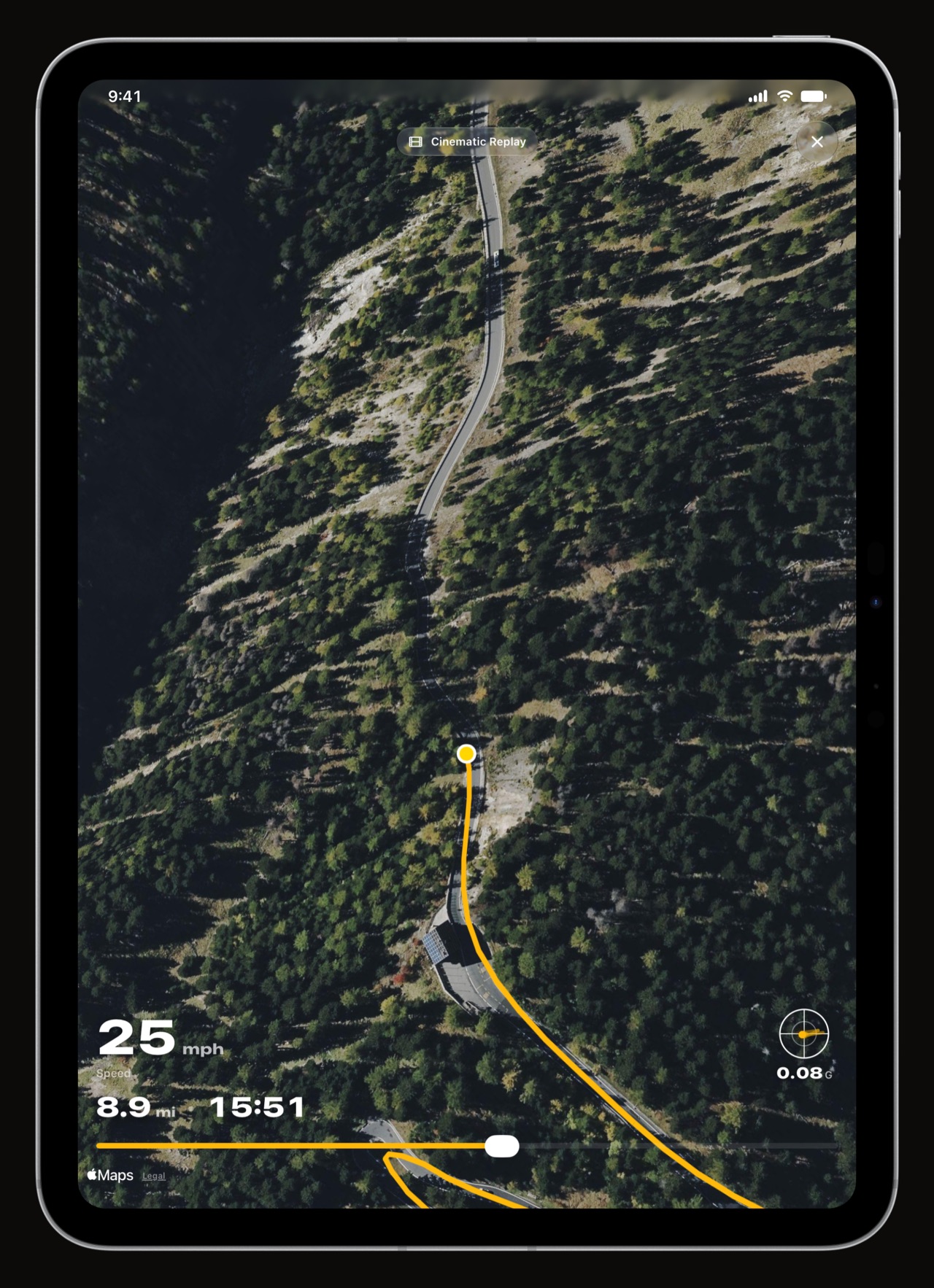
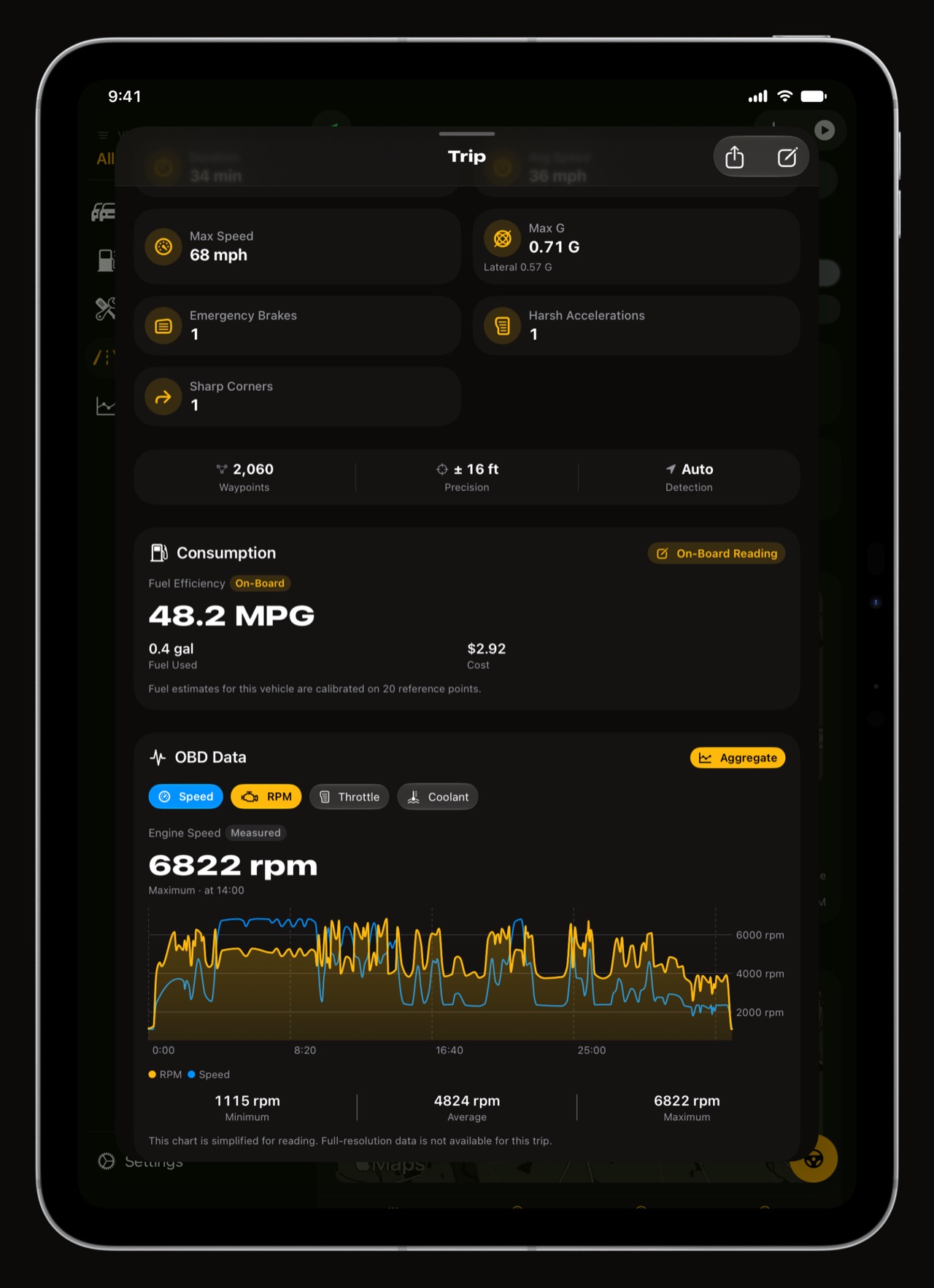
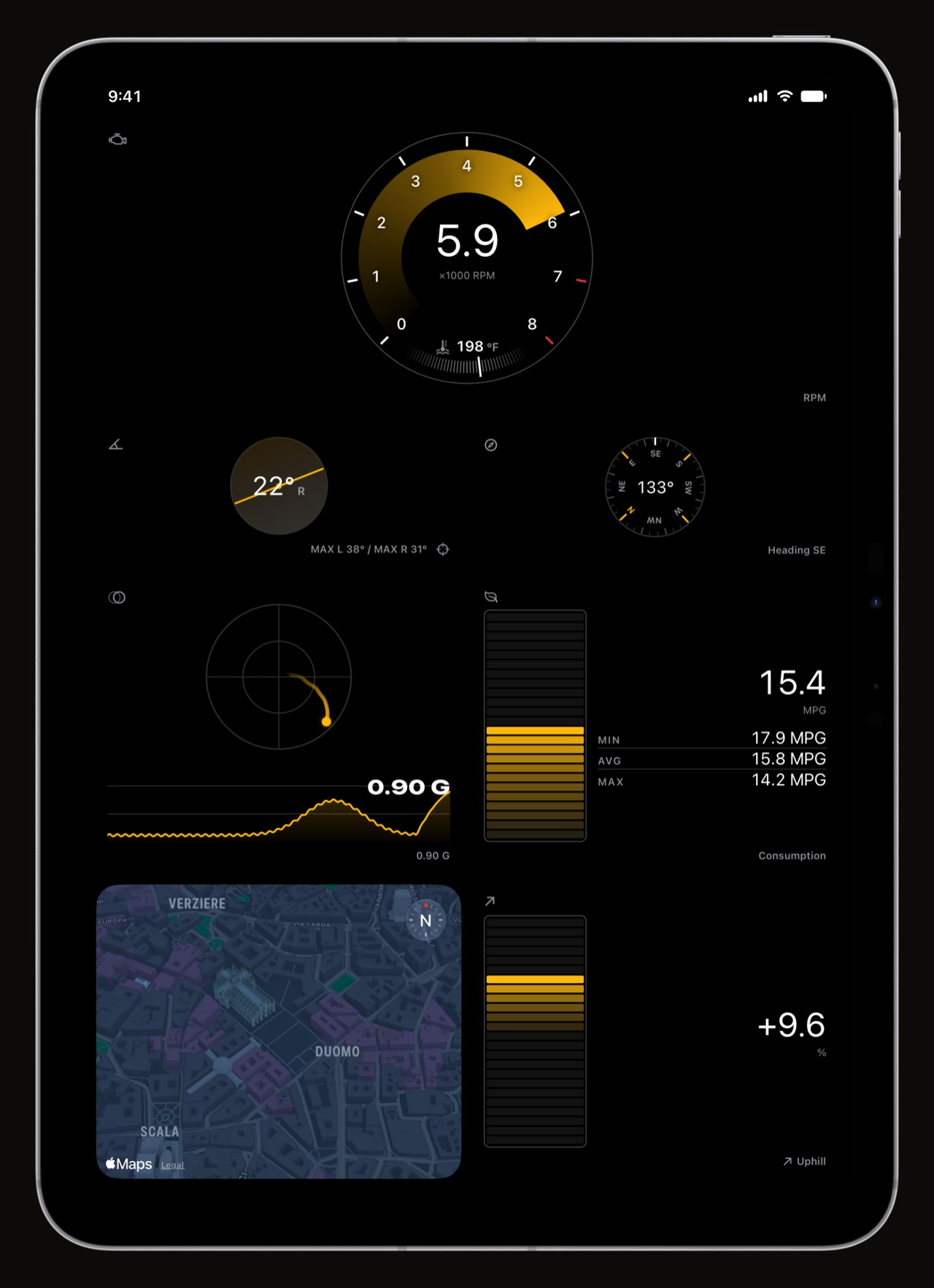
Everything the iPhone has, with the room to show it: the maintenance procedures with their tips, the trips with their routes, the fill-ups and the OBD-II readings of a drive.
How do the charts use the iPad's screen?
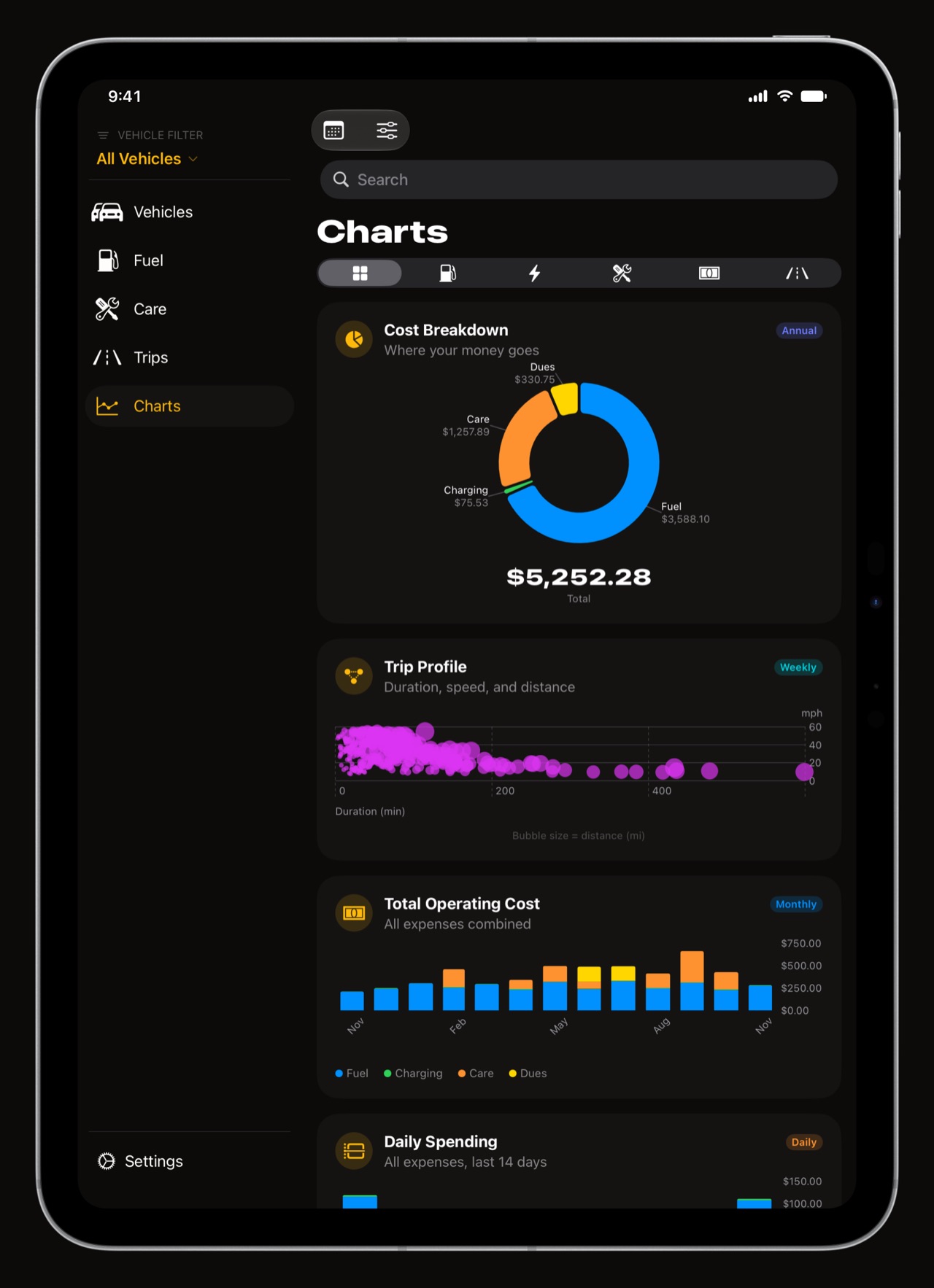
The Charts tab lays out its 31 charts as a grid, about one column every 360 points and up to three, and each chart takes the shape it reads best in: the fill-up map, the odometer trend and the trip heatmap get a whole row, the smaller ones sit side by side. Expand one and its title and caption move to a side column so the plot keeps the height.
Can I log a fill-up on iPad?
Yes. Everything is editable on the iPad: fill-ups, charging sessions, maintenance, vehicles and trips. The camera reads a receipt or a pump display the same way it does on iPhone, on the device itself.
Does the iPad sync with my iPhone?
Yes. Turn on iCloud Sync in Settings > Data & iCloud and vehicles, fill-ups, maintenance, trips and settings follow you between iPhone, iPad and iPhone Duo. Trips are recorded by the iPhone that rides in the car, then appear on the iPad to read on the big screen. WrenchTime Pro follows your Apple Account, so one purchase covers every device.
Is there a Mac version?
Not yet. A Mac version is planned; until then the iPad is the big-screen way to read your garage, and the iPhone the one that rides in the car.
What is free on iPad?
The same as on iPhone: the app, with 1 vehicle, 3 fill-ups a month and 1 chart, and every layout of the iPad. WrenchTime Pro removes the limits.
Frequently asked questions
Does WrenchTime work on iPad?
Yes. It runs natively on iPad with a sidebar in portrait and two panes in landscape.
Does the iPad version sync with the iPhone?
Yes, over iCloud: vehicles, fill-ups, maintenance, trips and settings stay the same on every device.
Can the iPad record trips?
The iPhone that rides in the car records them, and they sync to the iPad, where you can read and edit them.
Is there a WrenchTime app for Mac?
A Mac version is planned but not available yet.
Do I need to buy WrenchTime Pro again for iPad?
No. WrenchTime Pro follows your Apple Account and covers iPhone, iPad and iPhone Duo.
Made for people who would rather know than guess.
Free to download. One vehicle, real features, no ads. Your garage will thank you.
Download WrenchTime on the App Store