App comparison
Is FIXD worth it? FIXD vs WrenchTime and BlueDriver
What the FIXD sensor and FIXD Premium do and cost, how BlueDriver's one-time sensor differs, and the ELM327 adapter route with WrenchTime on iPhone.
App comparison
The BlueDriver app is a free iPhone and Android app that works with the BlueDriver Bluetooth sensor, sold separately from $99.95 on November 4, 2026, with no subscription. It reads and clears codes, shows live data and builds Repair Reports. WrenchTime is an iPhone app that uses a Bluetooth LE ELM327 adapter you choose, with free live data, trouble codes in WrenchTime Pro, and the car's maintenance, fuel and trip log. BlueDriver fits an owner focused on repairs; WrenchTime fits an owner who wants the whole car in one app.
I build WrenchTime, so read this comparison knowing that. I did not test BlueDriver, FIXD or Car Scanner: every claim about them on this page comes from their own store pages and App Store listings, read on November 4, 2026, and each one links to where it was read. Every claim about WrenchTime comes from its own feature documentation.
BlueDriver, FIXD and Car Scanner are trademarks of their respective owners. This comparison is independent: WrenchTime is not affiliated with, sponsored by or endorsed by any of them.
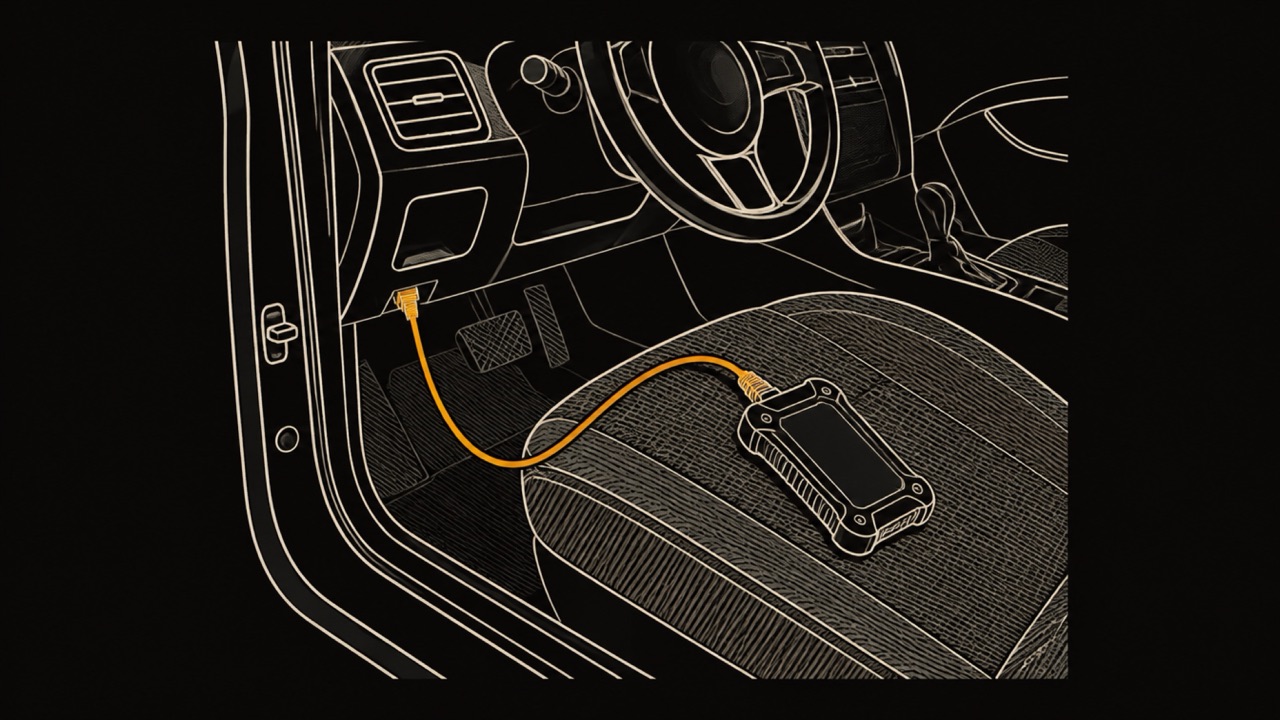
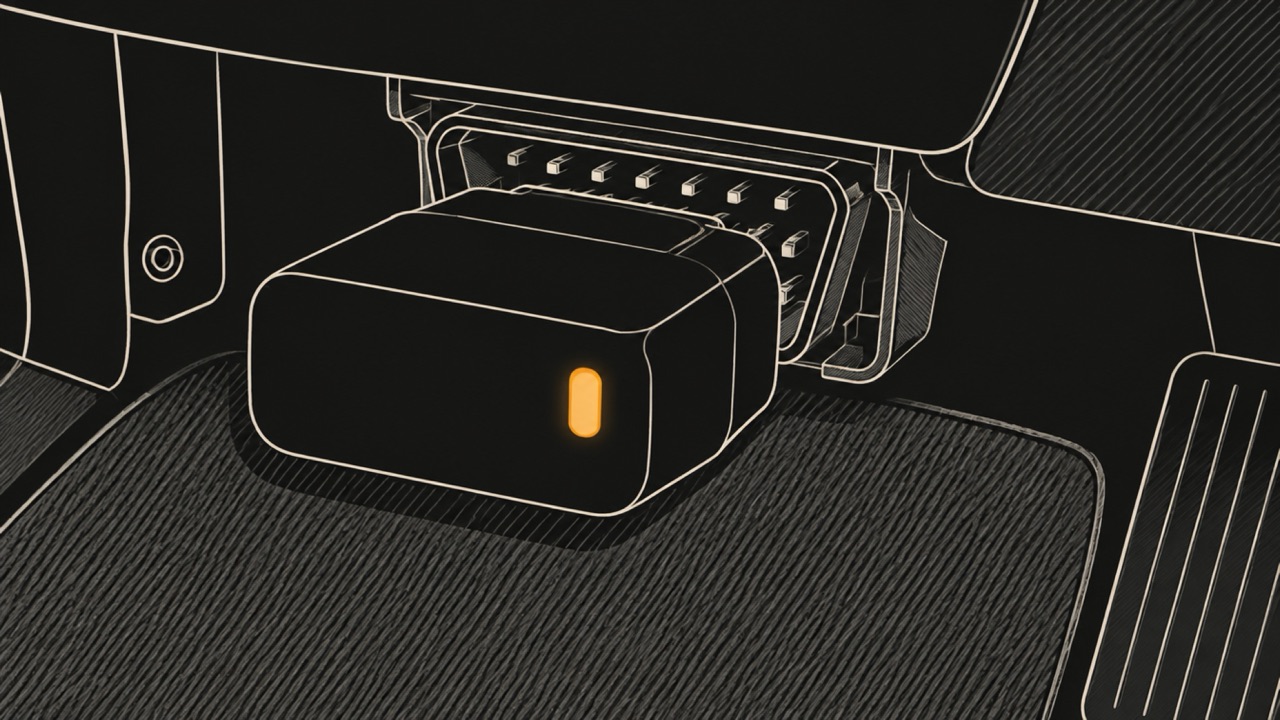
The BlueDriver app turns an iPhone, iPad or Android phone into an OBD-II scan tool when it is paired with the BlueDriver Bluetooth sensor. OBD-II is the standard diagnostic port under the dashboard of cars sold in the US since 1996. On the US App Store the app is free and the sensor is sold separately, and on November 4, 2026 it averaged 4.6 stars from 14K ratings.
According to the BlueDriver store, the app reads and clears check engine codes and enhanced codes such as ABS, airbag and transmission, generates a Repair Report for each code with possible causes and reported fixes, captures live data, checks smog readiness, and shows freeze frame data. It also shows Mode 6 results, the detailed outcome of the car's own emissions self-tests, such as misfire counts.
BlueDriver's product pages state "Zero Subscription Fees or Add-ons", so the price of the sensor covers the app. The app's version notes on the App Store say that creating an account is no longer required, and an account keeps your scans across devices. The listing is in English and needs iOS 16.6 or later.
On November 4, 2026 the BlueDriver store listed the BlueDriver Pro Next-Gen at $99.95 and the BlueDriver Pro at $99.95 or $139.95 depending on the colour. Prices on those pages change with their offers, so check the purchase page before you buy.
BlueDriver calls the Next-Gen "the ideal OBDII scanner for newer North American model vehicles" and says it keeps up with newer vehicle protocols. Both product pages describe the same core features: codes, Repair Reports, live data, freeze frame, smog readiness and Mode 6. Each page has a compatibility check for your own vehicle, and that check settles which model fits.
BlueDriver says its sensor works with all 1996 and newer cars, SUVs and light trucks sold in North America, including most petrol, diesel and hybrid vehicles. Code lookup and Repair Reports work on any vehicle with an OBD-II port, according to its product page.
Enhanced diagnostics are narrower. These are the codes outside the basic check engine set, such as ABS and airbag. BlueDriver's App Store listing ties them to the make, the model year and the market, so an owner outside North America should read the table below before buying.
| Makes | Model years | Market |
|---|---|---|
| GM, Ford, Chrysler, Toyota, Nissan, Mazda | Not stated | Worldwide |
| Mercedes | 2005 and newer | Worldwide |
| Mitsubishi | 2008 and newer | Worldwide |
| Hyundai, Kia | 2012 and newer | Worldwide |
| BMW, Mini | 2005 and newer | North America |
| Honda, Acura | 2003 and newer | North America |
| Volkswagen, Audi | Not stated | North America |
| Subaru | Not stated | United States |
Source: BlueDriver on the App Store, read November 4, 2026.
BlueDriver's product pages and App Store listing, read on November 4, 2026, list reading and clearing codes, live data and reports, and they do not list bidirectional controls. A bidirectional tool sends commands to the car, for example to run a component as a test. If you need that, confirm it with BlueDriver before you buy.
WrenchTime is not bidirectional either. It reads data and clears codes on request, and its custom readings use read services only, so a custom request cannot change anything in the car.
BlueDriver's pages also do not say whether its sensor works with other apps. WrenchTime is not tested with the BlueDriver sensor and does not claim to work with it.
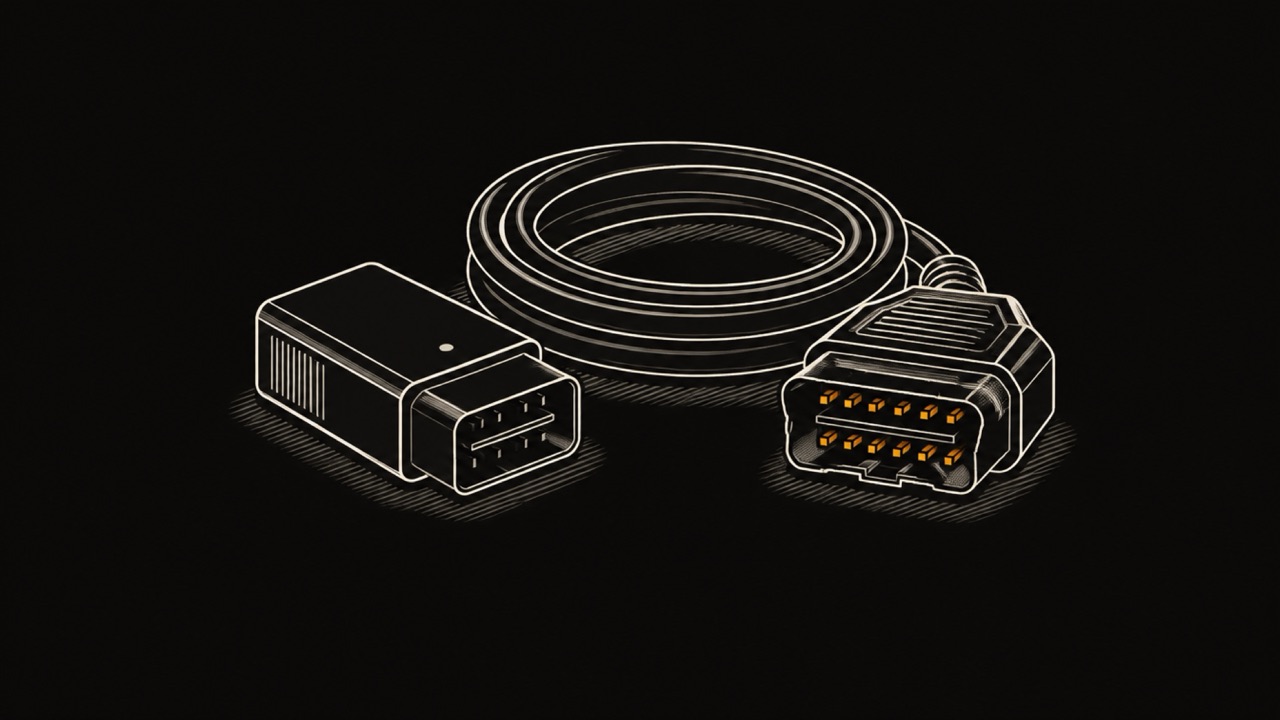
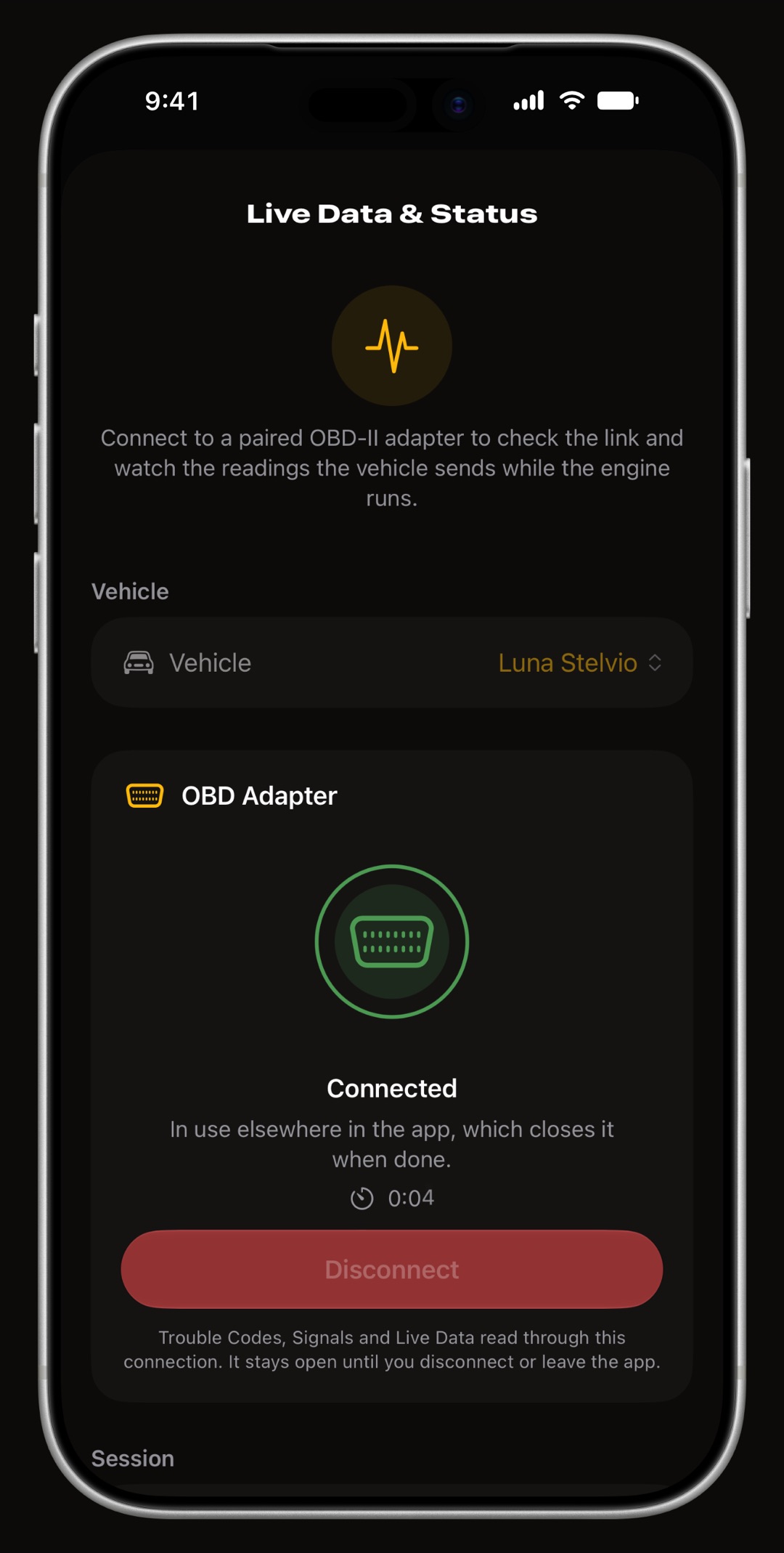
WrenchTime is an iPhone app that reads a car through a Bluetooth LE ELM327 adapter you choose, or an OBDLink MX+, and keeps its maintenance, fuel and trip log in the same place. ELM327 is the command set most inexpensive OBD-II adapters speak. The Vgate iCar Pro, the iCar Pro 2S and the OBDLink MX+ are confirmed on a real vehicle, and the guide to adapters that work on iPhone lists the rest.
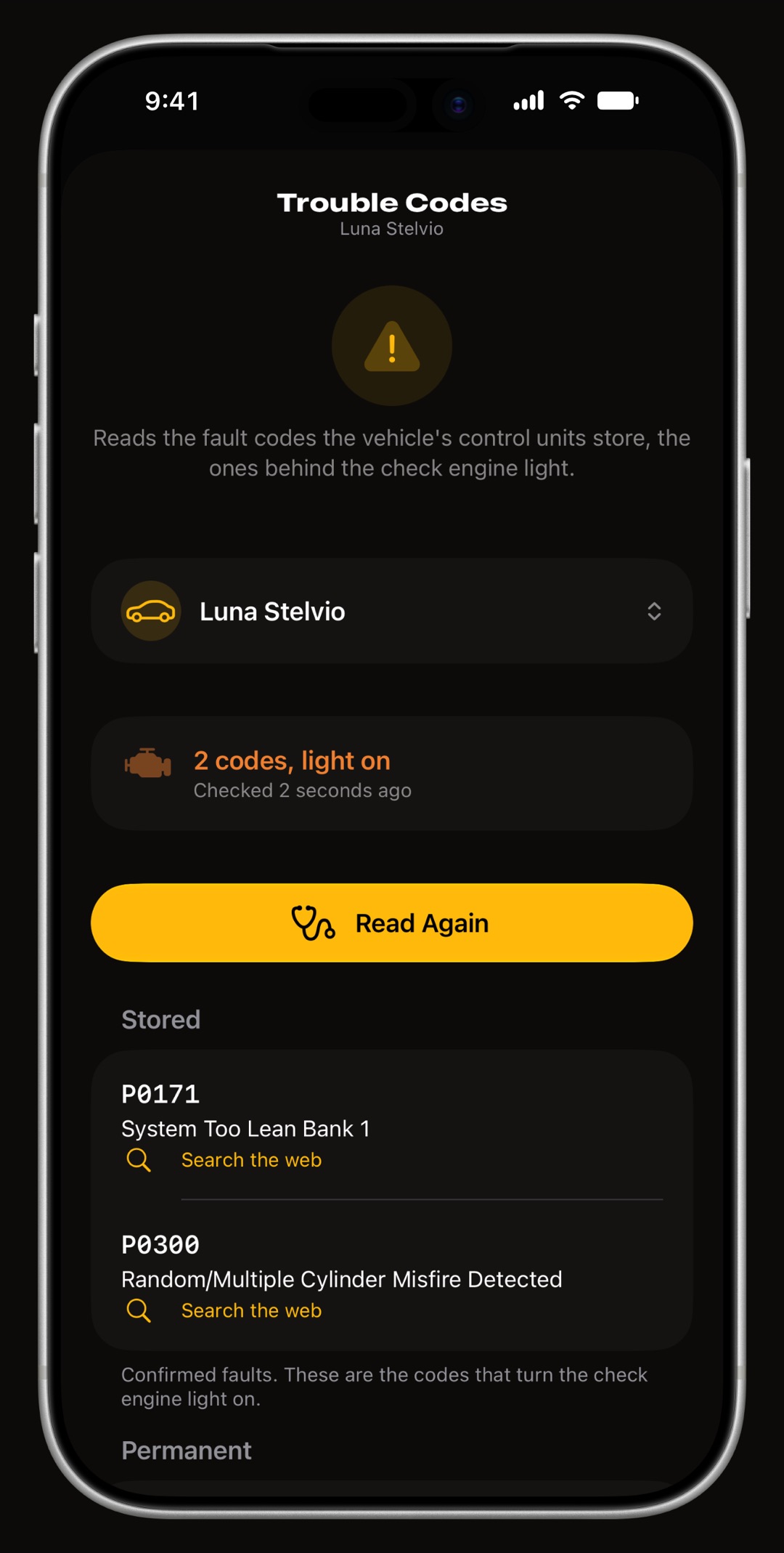
Live OBD-II data is free. With WrenchTime Pro, the Trouble Codes tool reads stored, pending and permanent codes from every module that answers the standard OBD-II request, describes generic codes in your language, checks readiness monitors and shows the freeze frame. Codes clear only after a read, with the engine off and after two confirmations. More on what WrenchTime reads over OBD-II.
The rest of the app is the car's record: 59 maintenance procedures with reminders, a tank-to-tank fuel log, EV charging, and trips that record themselves with their engine readings. With WrenchTime Pro it also draws live gauges on CarPlay. BlueDriver's product pages and App Store listing, read on November 4, 2026, list no fuel log, no trip recording and no CarPlay app.
BlueDriver, FIXD, Car Scanner ELM OBD2 and WrenchTime read the same port and differ in what they add to it. "Not listed" means the product's own App Store listing or store page did not mention the feature on November 4, 2026, not that the feature is confirmed absent. For FIXD's free and paid tiers, see FIXD vs BlueDriver in detail.
| Feature | BlueDriver | FIXD | Car Scanner ELM OBD2 | WrenchTime |
|---|---|---|---|---|
| Hardware | BlueDriver sensor | FIXD sensor | Wi-Fi or Bluetooth LE ELM327 adapter | Bluetooth LE ELM327 adapter or OBDLink MX+ |
| App price | Free, no subscription | Free, Premium optional | Free, Pro optional | Free, WrenchTime Pro optional |
| Clear codes | Yes | Yes | Yes | With Pro |
| Enhanced ABS or airbag codes | On listed makes | Not listed | Not listed | No |
| Repair reports | Repair Reports | Scan reports | Not listed | Not listed |
| Freeze frame | Yes | Not listed | Yes | With Pro |
| Emissions readiness | Yes | Emissions Pre-Check in Premium | Yes | With Pro |
| Mode 6 | Yes | Not listed | Yes | Not listed |
| Maintenance log | Not listed | Maintenance reminders | Not listed | Yes |
| Fuel log | Not listed | Not listed | Trip fuel statistics | Yes |
| Automatic trip recording | Not listed | Trip reports | Not listed | Yes |
| CarPlay | Not listed | Not listed | Not listed | With Pro |
Sources: BlueDriver, FIXD and Car Scanner ELM OBD2 on the App Store, the BlueDriver store, read November 4, 2026.
BlueDriver: $99.95 for the Pro Next-Gen and $99.95 to $139.95 for the Pro, depending on the colour, on the BlueDriver store on November 4, 2026, with a free app and no subscription.
FIXD: on the same day the US App Store listed FIXD Premium at $99.99 a year, $12.99 a month or $7.99 a week. The sensor is priced separately and its offers change, so check FIXD's own purchase page.
Car Scanner ELM OBD2: free on the App Store, with Pro at $3.99 for six months, $4.99 a year or $7.99 forever on the US listing. It needs your own adapter.
WrenchTime: free to download, with live OBD-II data on the free tier. Trouble codes, CarPlay and the rest of WrenchTime Pro cost £2.99 a month, £14.99 a year with a free trial, or £34.99 once, App Store prices read on 2026-11-05. The adapter is a separate purchase, and the adapter guide lists which ones work.
| Option | Hardware | App over three years |
|---|---|---|
| BlueDriver Pro Next-Gen | $99.95 | $0 |
| BlueDriver Pro | $99.95 to $139.95 | $0 |
| FIXD with Premium billed yearly | FIXD sensor | $299.97 |
| Car Scanner Pro forever | Adapter, bought separately | $7.99 |
| WrenchTime, live data only | Adapter, bought separately | $0 |
| WrenchTime Pro lifetime | Adapter, bought separately | £34.99 |
BlueDriver, FIXD, Car Scanner and WrenchTime each suit a different owner, and the right choice depends on what you want from the port. If none of these fits, the best OBD2 apps for iPhone compares more options.
If you want live engine data next to the car's service history, WrenchTime shows live OBD-II data for free and reads trouble codes with WrenchTime Pro, which you can buy once for £34.99. The free tier also keeps 1 vehicle with 3 fuel entries and 2 maintenance entries a month and 10 recorded trips a week. See how WrenchTime reads and clears trouble codes. If you need enhanced ABS or airbag codes on the makes BlueDriver lists, or Repair Reports, BlueDriver covers what WrenchTime does not.
Yes. The BlueDriver app is free on the US App Store, but it works with the BlueDriver Bluetooth sensor, sold separately from $99.95 on November 4, 2026. BlueDriver's store says there are no subscription fees or add-ons.
No. BlueDriver's product pages state "Zero Subscription Fees or Add-ons", so the sensor purchase covers the app, Repair Reports and live data. Creating an account is no longer required, according to the app's version notes on the App Store, though an account keeps your scans across devices.
Yes. BlueDriver's pages list live data you can capture and share, for whatever your vehicle supports. The app also shows smog readiness, freeze frame data and Mode 6 results, on iPhone, iPad and Android.
BlueDriver's product pages and App Store listing, read on November 4, 2026, list reading and clearing codes, live data and reports, and they do not list bidirectional controls. Check with BlueDriver before buying if you need to command a component.
WrenchTime is not tested with the BlueDriver sensor. It works with Bluetooth LE adapters that speak the ELM327 command set and the OBDLink MX+, and the Vgate iCar Pro, iCar Pro 2S and OBDLink MX+ are confirmed on a real vehicle.
No. WrenchTime's developer wrote this comparison and did not test BlueDriver. Every claim about it comes from its own store pages and App Store listing, read on November 4, 2026, and links to where it was read.
More from the blog
App comparison
What the FIXD sensor and FIXD Premium do and cost, how BlueDriver's one-time sensor differs, and the ELM327 adapter route with WrenchTime on iPhone.
Diagnostics
Six OBD2 apps for iPhone compared on price, adapter, readiness, Mode 06, manufacturer modules, CarPlay and logs, from what each developer states.
Diagnostics
Plug in with the ignition off, switch to on without starting the engine, read and write down every code, and look each one up before clearing anything.
Free to download. One vehicle, real features, no ads. Your garage will thank you.
Download WrenchTime on the App Store